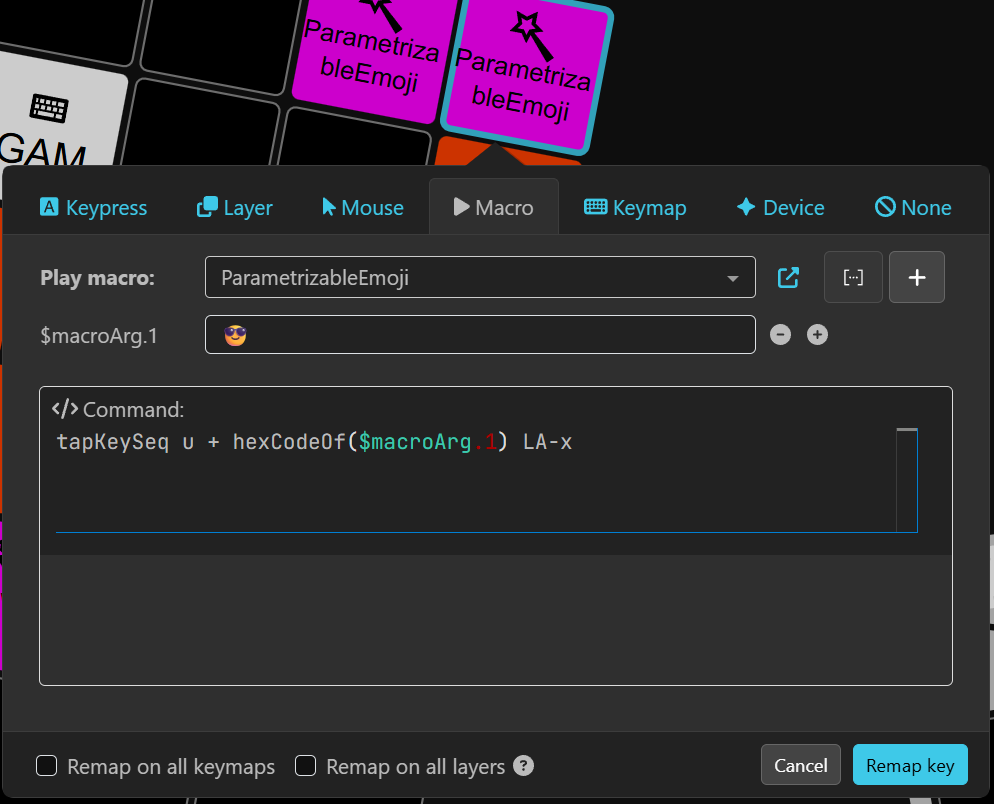
Edit: Looks I was very naive about how windows altcodes work, and so this only works with Linux and uCodeOf.
This simple example allows you to bind an emoji alt code onto a key (since firmware 16.0.0 / Agent 9.0.0).
tapKeySeq uCodeOf(¯oArg.1)
Then, when binding the macro to a key, just click the [...] icon and copy paste your emoji or any other unicode character.
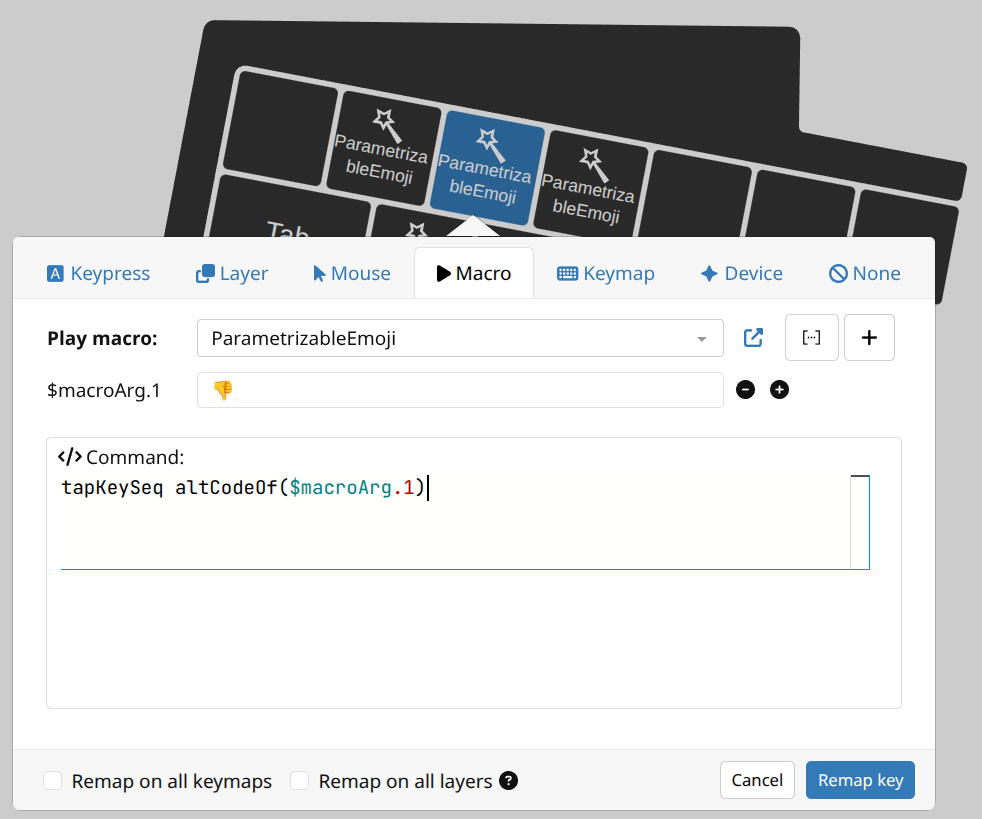
That’s it.
For those interested, a short comment on things shown above follows. You can see there:
- macro parametrization - how any macro can be parametrized per binding site.
- unicode handling - Agent now accepts unicode characters in macro actions, and firmware can parse these in certain contexts.
- template expansion of - internally, I have added a new mechanism of string interpolation that allows doing code substitutions. Besides the
$macroArg.1expansion,altCodeOfis handled by parsing the argument and expanding it into the corresponding keyId sequence, so the line internally becomes something liketapKeySeq pLA np1 np2 np8 np0 np7 np8 rLAbefore thetapKeySeqstarts actually processing it. Following expansions are built in atm:altCodeOf- for windows style alt code, including leading alt key, typed as a decadic number using the numpad scancodes.uCodeOf- for linux style “alt” codes - actualy Ctrl+Shift+u codes - typed as regular hexadecimal value using regular scancodes.decCodeOfandhexCodeOf- these produce just the numeric part of the expansion, so that the user can compose similar unicode sequences that use custom trigger keys.
 in the
  .
.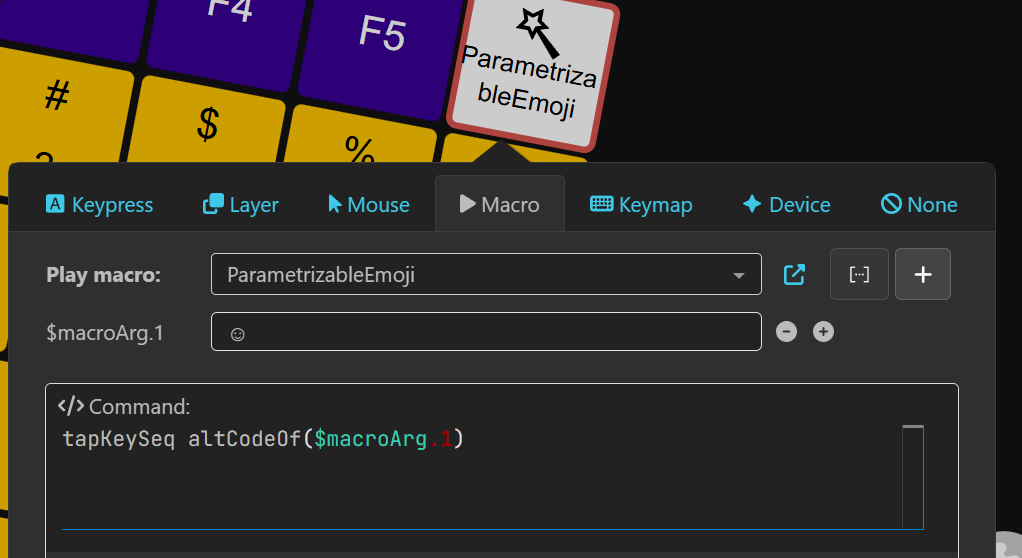
 . I just wanted to try this out.

 How would I get this to work on macOS?
 = 128519
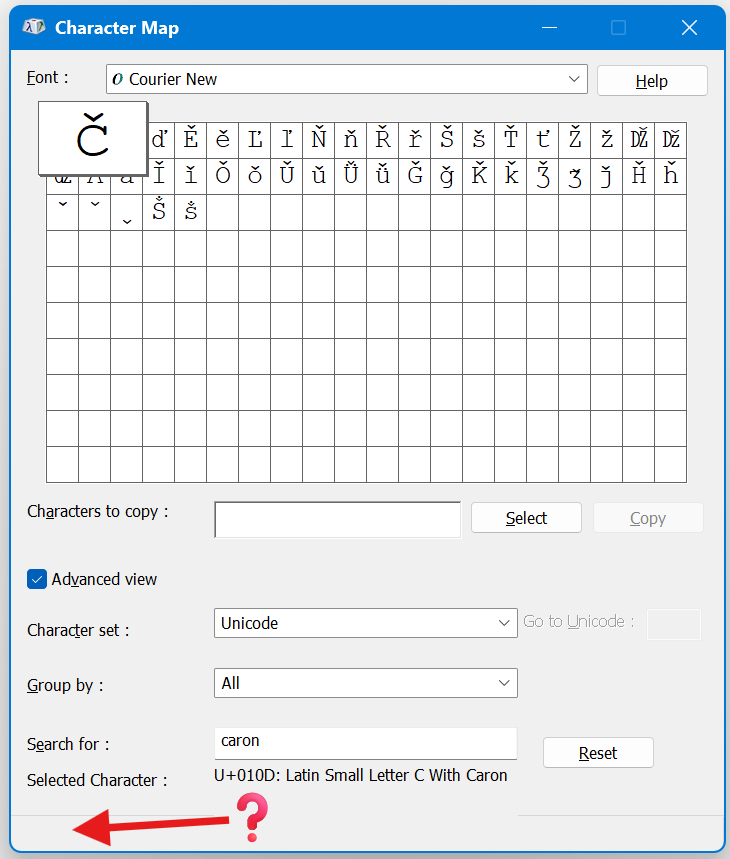
 . TBH, I’m no longer sure what’s an actual Win Alt-code or some other dec/hex/unicode, and when/how to use which version. The Windows Character Map’s alt-codes vary wildly from other sources: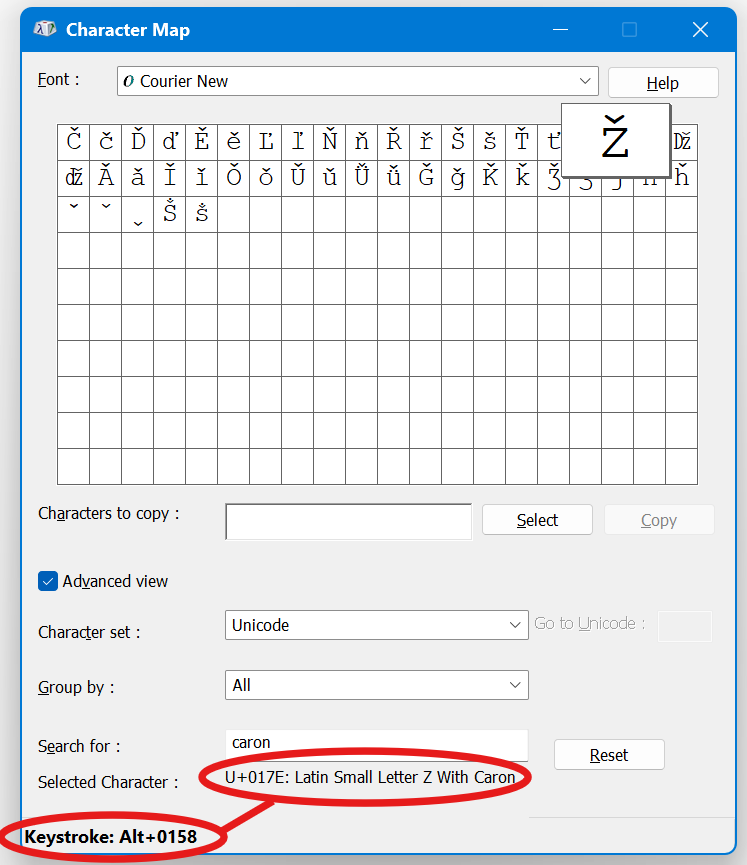

 .
. .
.