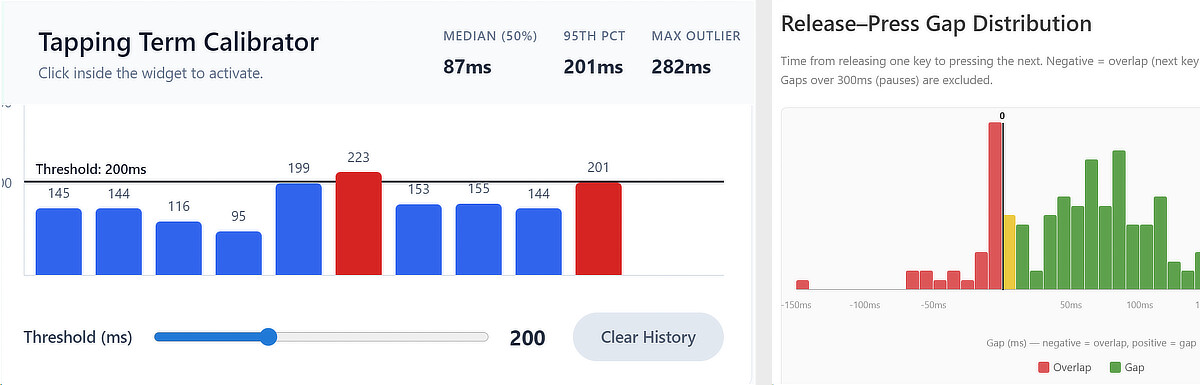
I thought I’d share this little tool here as well (had posted it on Reddit a while ago).
The UHK supports tap-hold behavior (also called “Secondary role”, “dual role” in UHK terms): a brief press registers as a tap, while holding the same key longer triggers another action, for example a layer switch or a modifier such as Ctrl when using home-row or bottom-row mods. The duration, usually defined in milliseconds, that separates the two is called the tapping term. Set it too high and hold actions will feel sluggish; set it too low and deliberate holds fail to register. Getting it right is personal.
On my website you will find a simple browser widget to measure how long your keypresses actually last, and to get a feel for what hold duration feels natural to you. An accompanying tool shows the overlap timing between simultaneously pressed keys. Both can help you find or fine-tune your personal tapping term.

