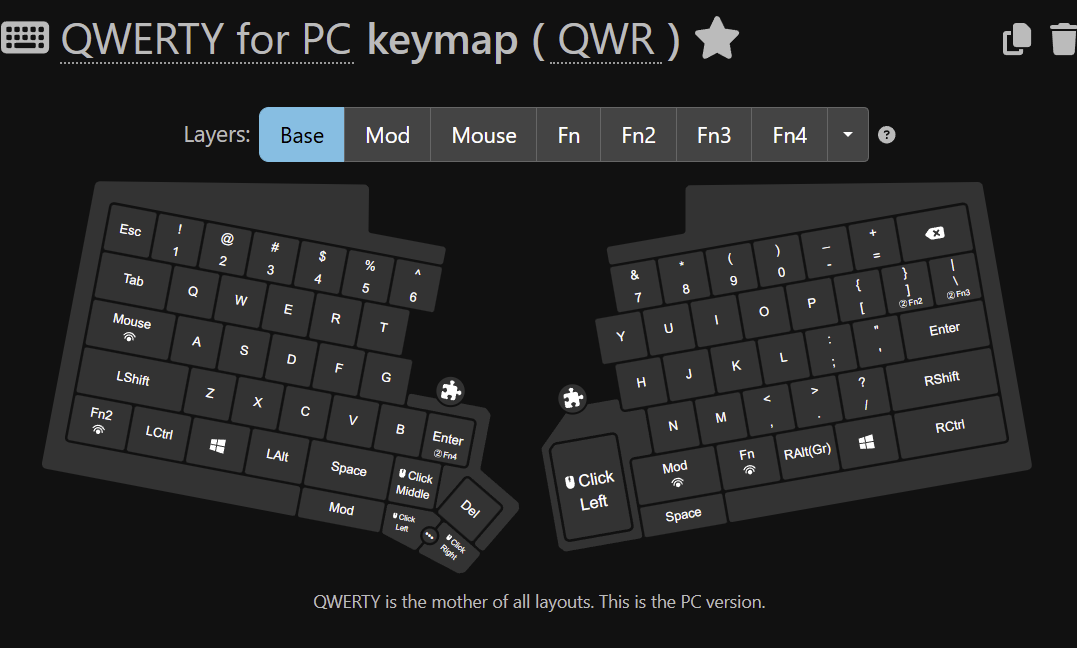
Has anyone ever seen their UHK agent showing a module which is not connected? Right now, I only have the left cluster module connected, but the UHK Agent is showing me that I have a touch pad module connected on the right side, but I don’t have anything there. It’s currently empty.
I started seeing this after upgrading firmware to 16.1.1
I can only make the ghost module on the right go away, if I remove the left cluster module - but then the “ghost” touchpad module on the right side comes back when I attach the left cluster module.
Weird indeed…
I only have a Touchpad module, and although I’ve never had an appearance of a module I don’t own, I have recently noticed my Touchpad module disappearing/reappearing. It happens occasionally when saving a config change, or maybe when rebooting the UHK, etc..
EDIT: To be clear, I don’t think I’ve ever seen the Touchpad appear/disappear when it’s not connected.
Actually you are right, @adrianegraphene, I am seeing the same behaviour.
I have a Touchpad and a Keycluster on UHK60v2. Here is what I observe in Agent:
Connected module
Agent display
none
none
Touchpad
Touchpad
Keycluster
Keycluster + Touchpad
Keycluster + Touchpad
Keycluster + Touchpad
The bold part is incorrect.
I am not sure if that error is in Agent or in the firmware 16.1.x. Maybe the UHK firmware incorrectly reports to Agent that a Touchpad is connected. @kareltucek ?
Thanks for confirming. It may just be some new oddity introduced by 16.1.x then. I was just concerned it might be my uhk since I’ve burned through a couple of trackpoint modules in the past years. Also good to see nothing changes when you add your right side module.
Getting my replacement trackpont soon and was concerned I’d fry it as soon as I connect it