It’s less of a contradiction than it seems.
I prefer uniform caps for a couple of reasons-
-
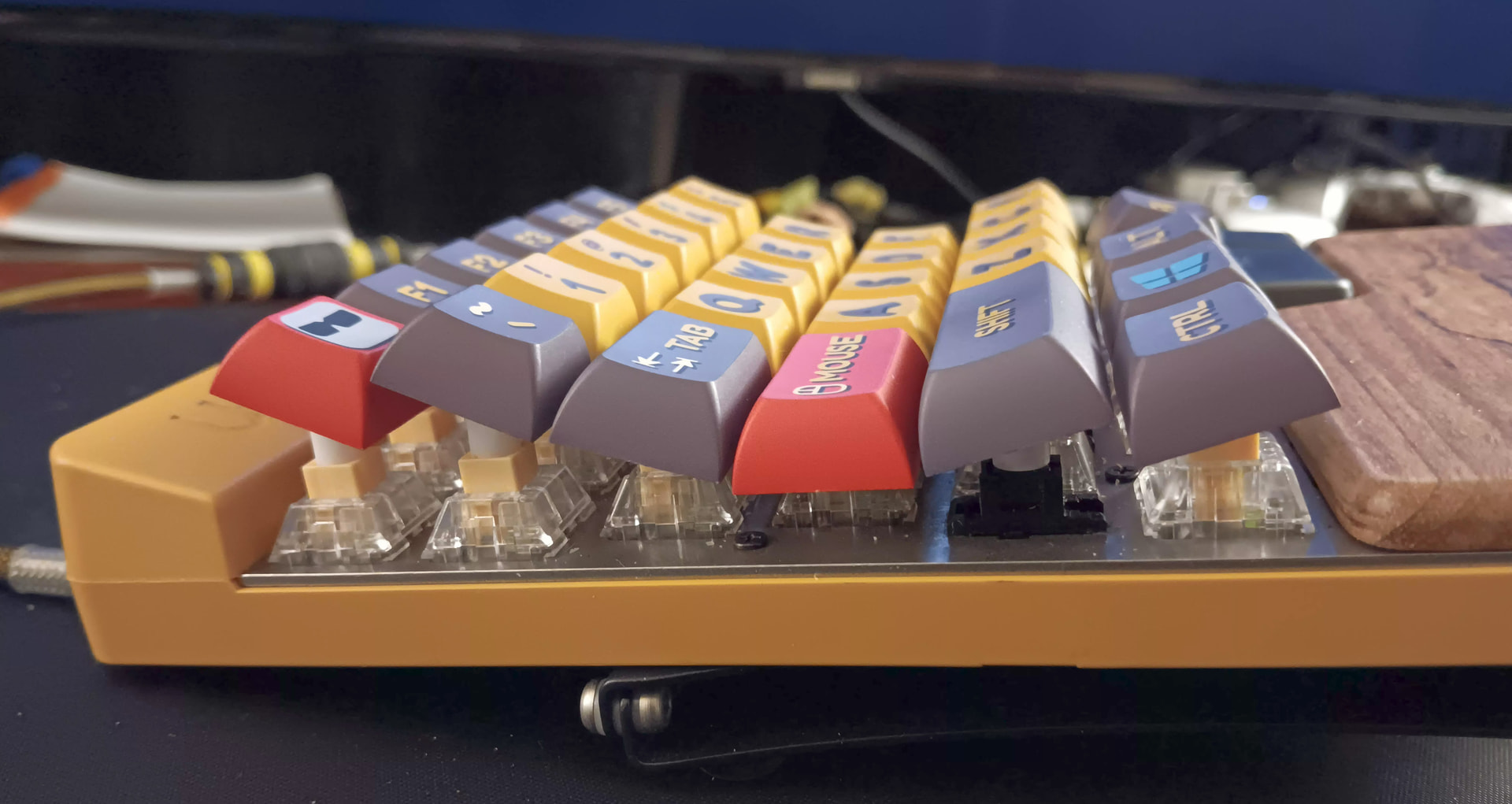
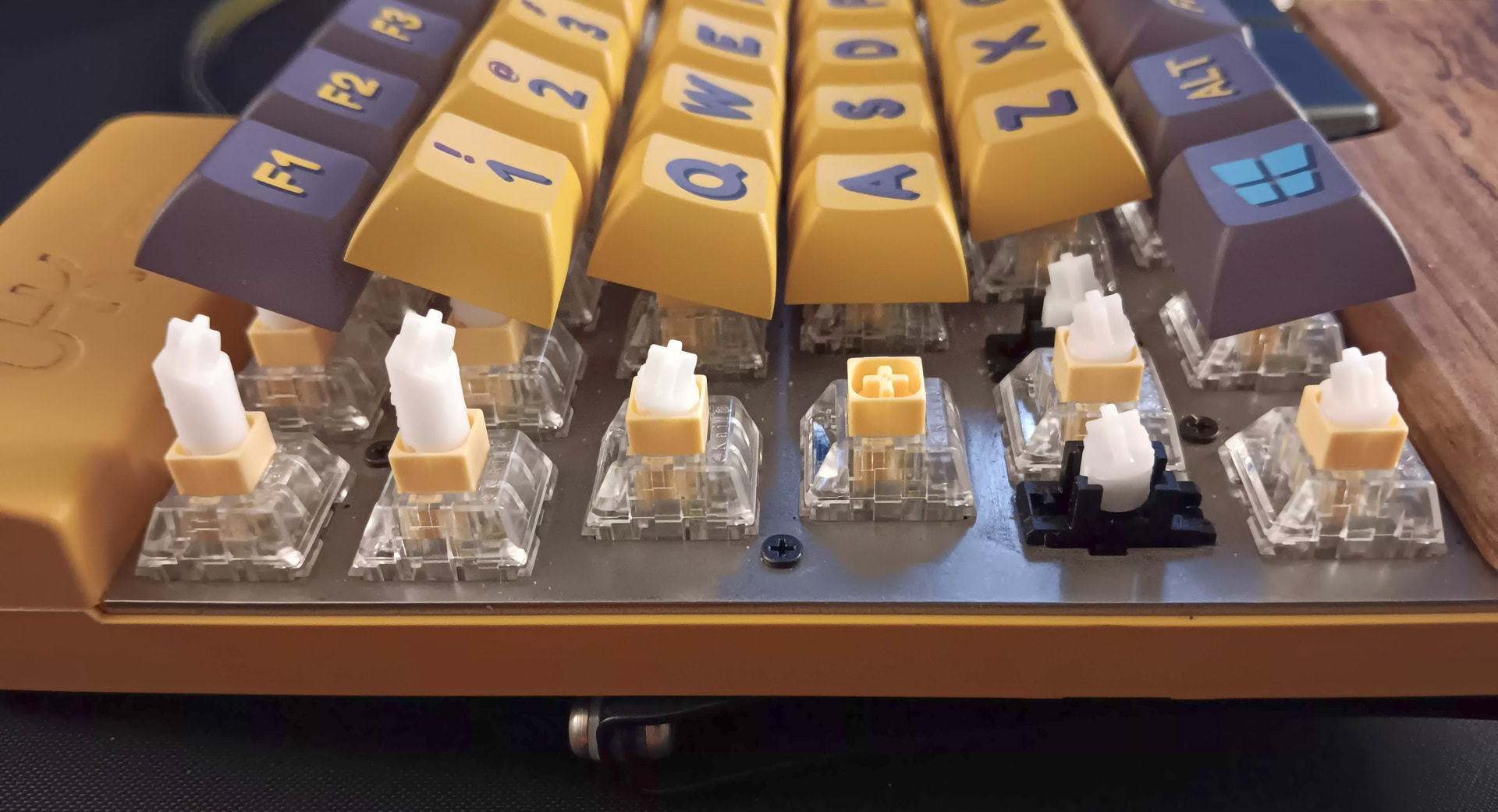
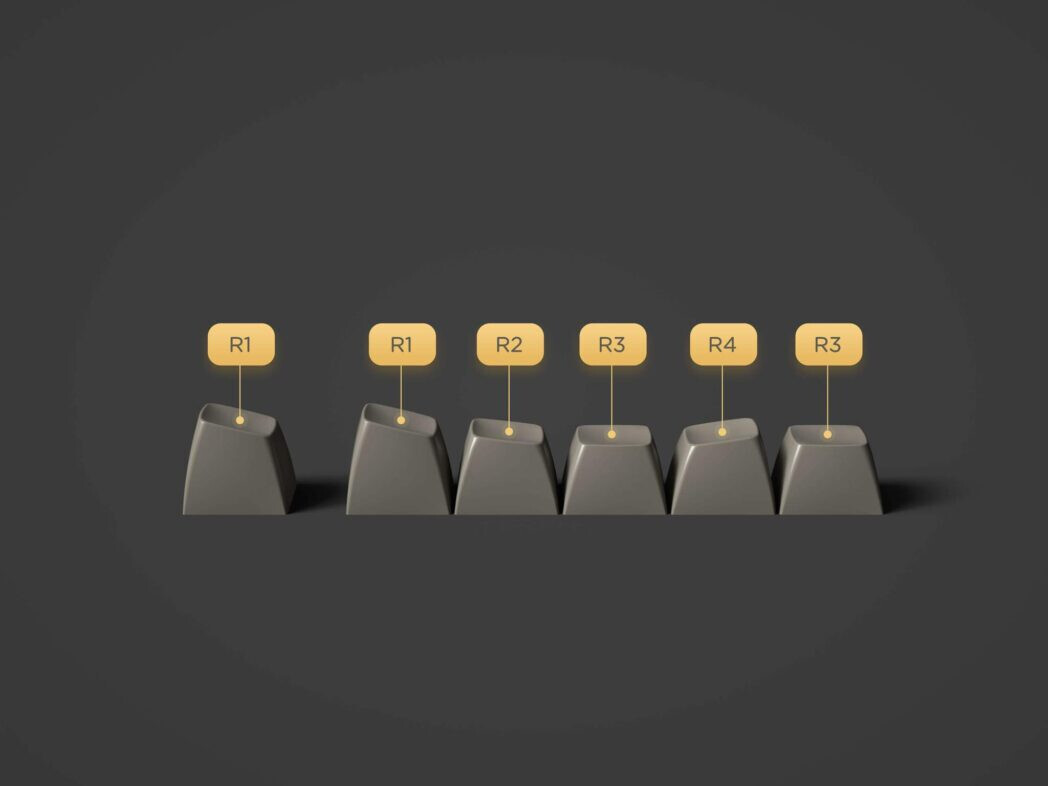
They’re easier to swap around without mismatching row heights. With these tilters, you can still use uniform caps and swap positions while retaining the proper curve.
-
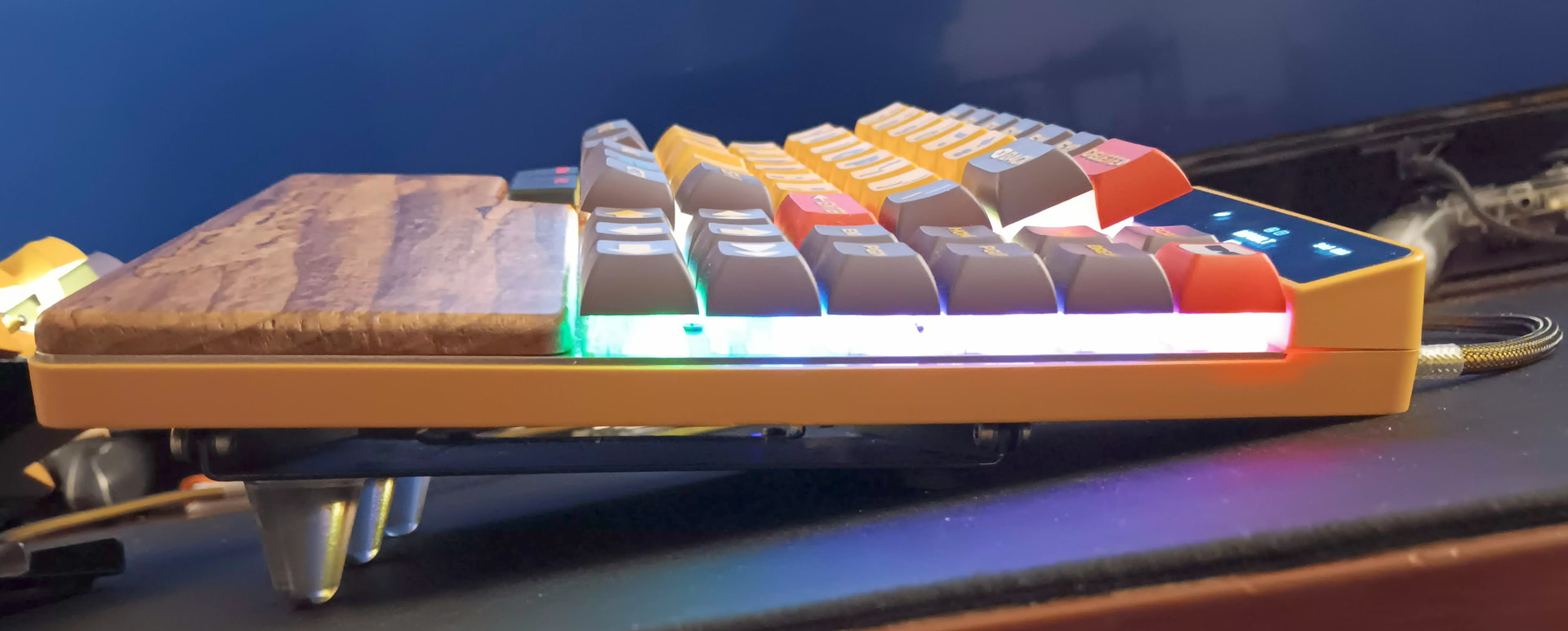
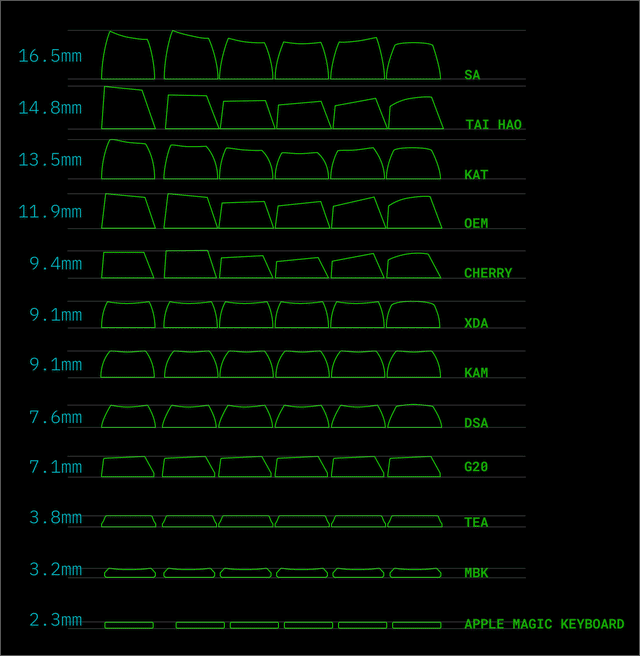
Most keycap profiles have a pronounced step between rows that tends to catch my fingernails. I really hate that  . There’s not too much of a step effect with these tilters (Aside from the obvious F-row, which I hope to remedy with additional risers). If you were to use these tilters with a stepped profile, it’d probably exaggerate the height differences even more.
The curvature with this tilting kit is much steeper than a set of sculpted caps, and so the distance/energy required to reach everything is greatly reduced compared to caps alone. I also find that I type more softly on these, and don’t get tired nearly as fast.
Let’s also not gloss over how difficult it is to find UHK compatible caps, especially with more extreme curves.
This pseudo key-well, combined with slowly incorporating HRMs is yet another big leap in ergonomics for me, so I’m pretty happy for now.
I don’t want to go into a super long sob-story here, but it may help to understand why I keep tweaking my setup as much as I do, so…
Almost thirty years ago, I fell from a height of around fifty feet or so. I broke just about everything but my head. The worst of it was a spinal cord injury that left me paralyzed from the middle of the chest-down, and my left wrist was literally crushed. They had to remove most of my wrist bones, and then carved a new wrist out of a piece of my hip (it kind of resembles something like a weird ball socket, but it works). As a result, I have some reduced range of motion and a lot of tingling/reduced feeling in my hands.
At the time, they tried to tell me that my left thumb would no longer be opposable. I was a guitarist back then, and I refused to accept that. After a ton of physical therapy, I was able to get back to playing again. I managed to keep it up for a couple of decades before arthritis set in  . Nowadays, all I’ve got going on is playing video games & staring at my PC all day. I have nothing but free time, so that’s why I’m always here annoying you guys…
Anyway, I chose the UHK because I needed ergonomics, and I’m really glad I did. The UHKs are comfortable and flexible without being ridiculously silly, like most other ergonomic boards (I prefer to add my own brand of silly tweaks ). It’s been a huge help, and you guys have been absolutely wonderful as well. So, I guess I should say thanks to you all again. 
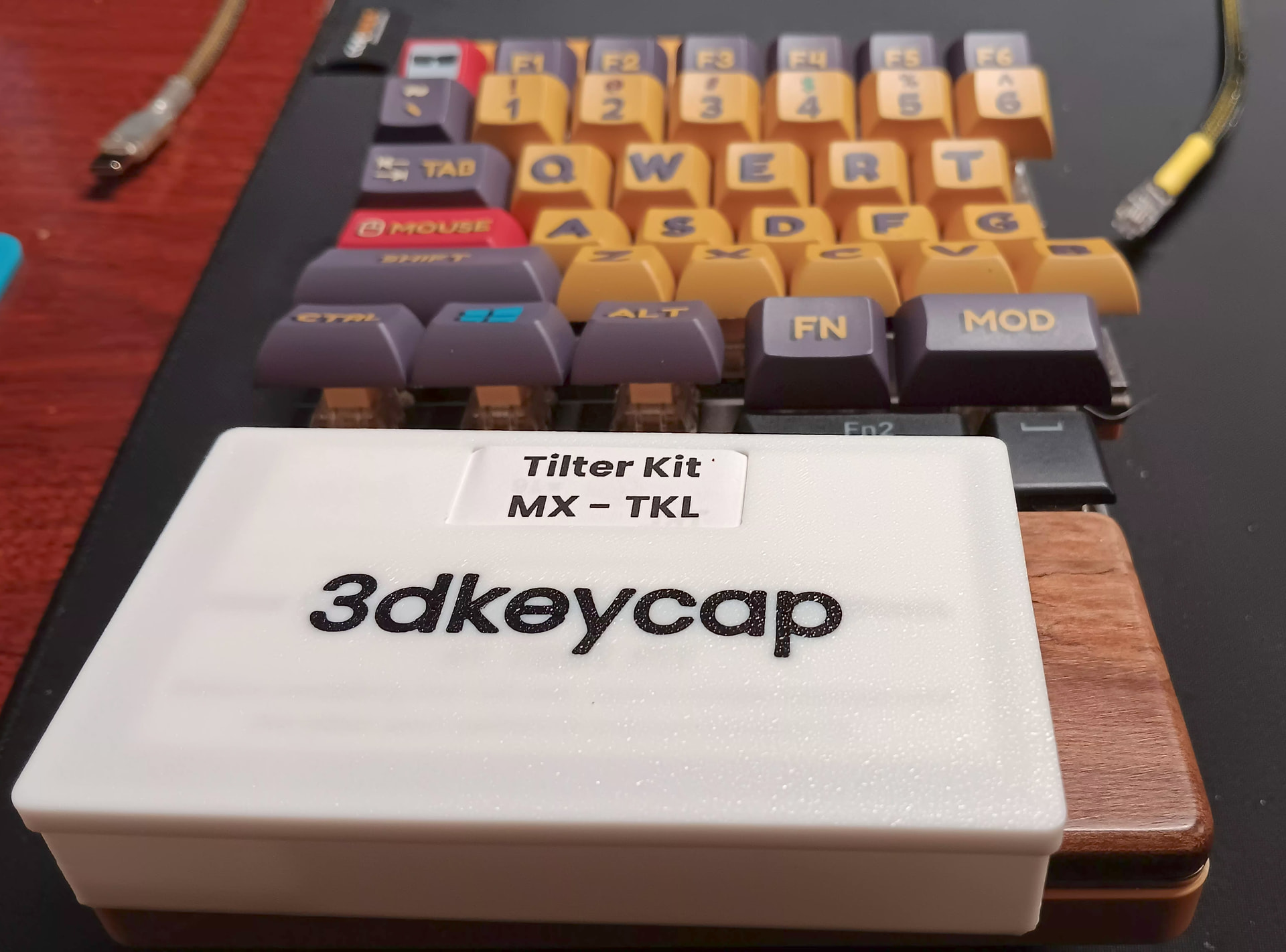
 . These should work great on the UHK60 as-is though.