I’m trying to put NumLock and launch calculator actions on the same key via macro, but I don’t see a scancode abbreviation for the calculator in the ref manual. Is there any way to enter launchCalculator or launchEmailClient using macro commands, instead of key actions? Or can we somehow manually enter actual scancodes in macros?
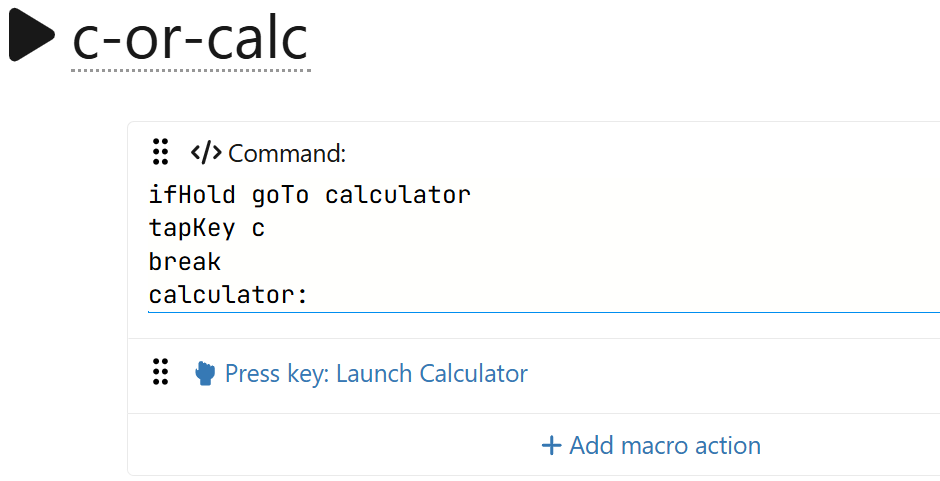
Hoping for something like the following, which I don’t think is possible because it looks like you can only use the key action drop-down menu to select “Launch Calculator”.
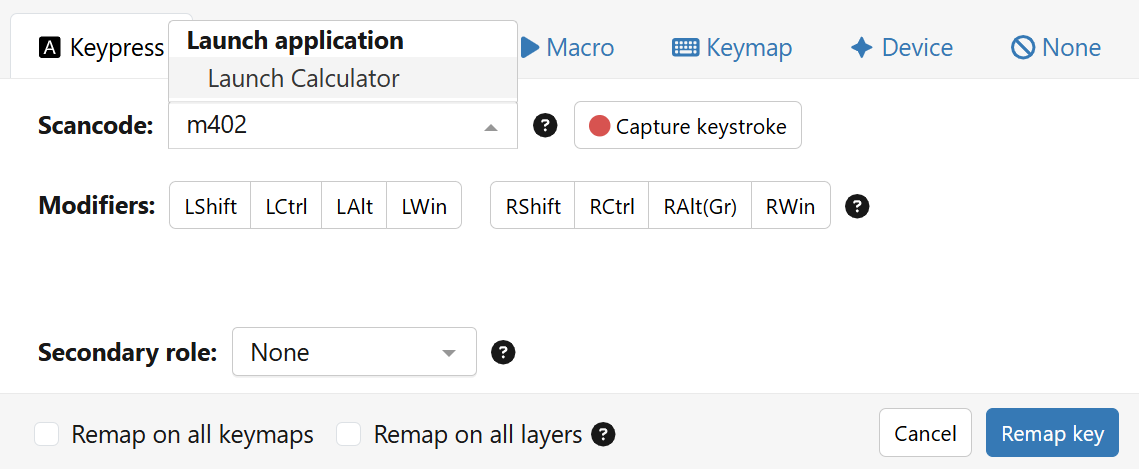
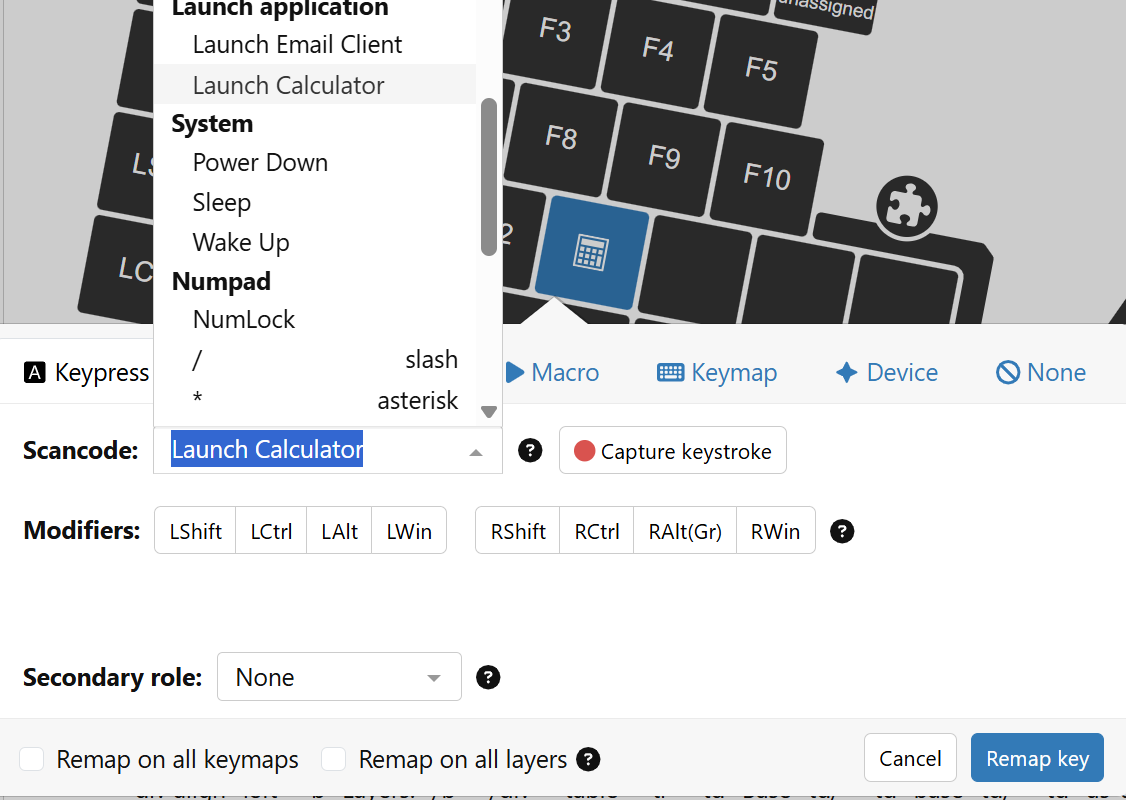
Actually, 192 is the hex code, but you have to enter a decimal number. So it’s ‘m402’. When I just tried that in Agent, I realised that this is actually converted and shows up as “Launch Calculator” in the popup.
Thanks! This is the direction I needed. I never would’ve figured that out. I spent an embarrassing amount of time trying to figure out a way to mix macro commands and keypress actions. I wasn’t even close .
Even better, thanks again!
I went with ifNotDoubletap final tapKey numLock, that way double-tapping turns on numlock and launches the calculator together.

 .
.