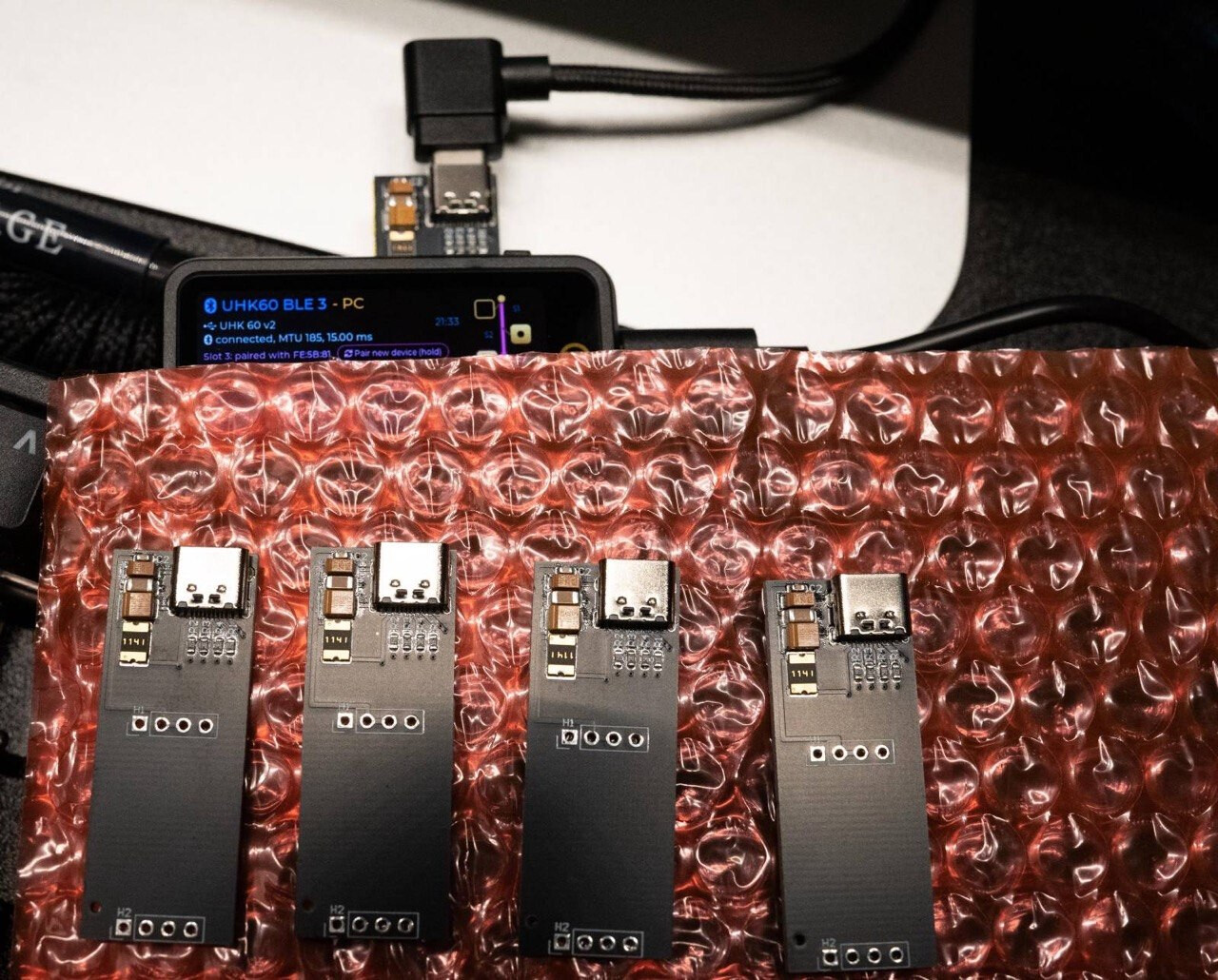
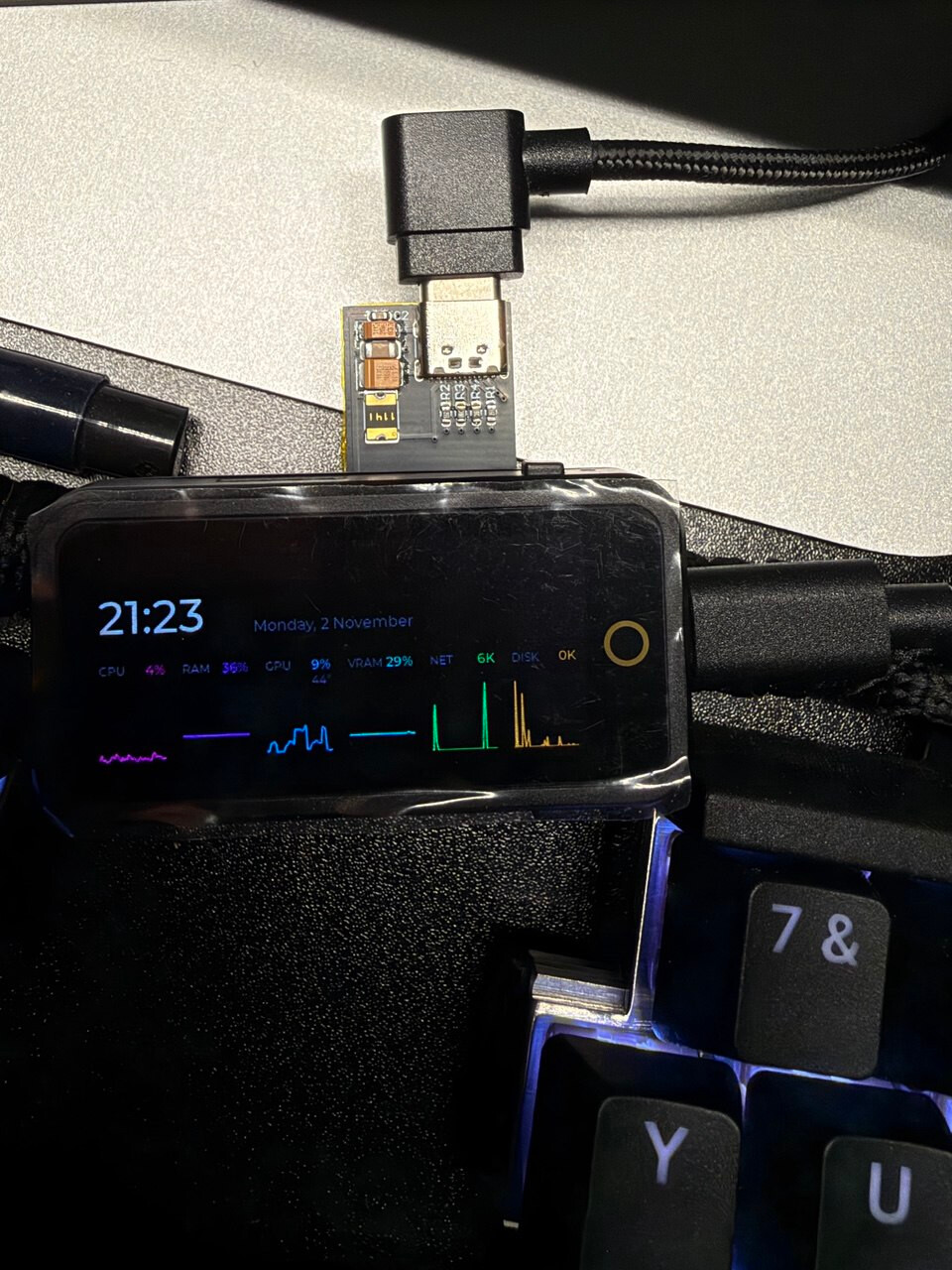
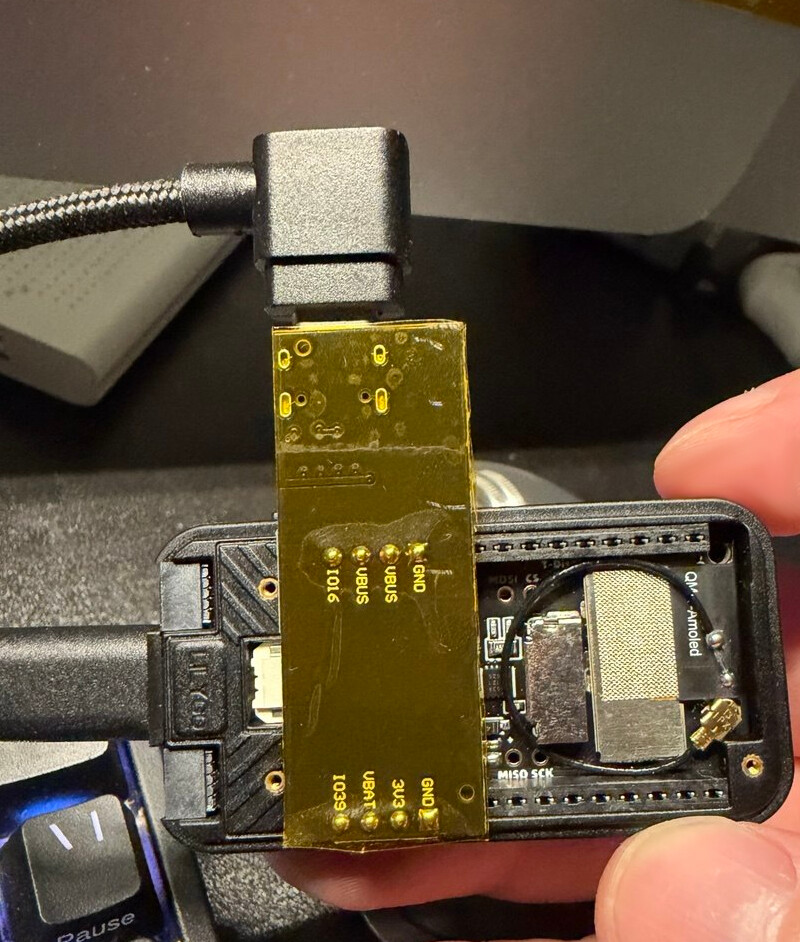
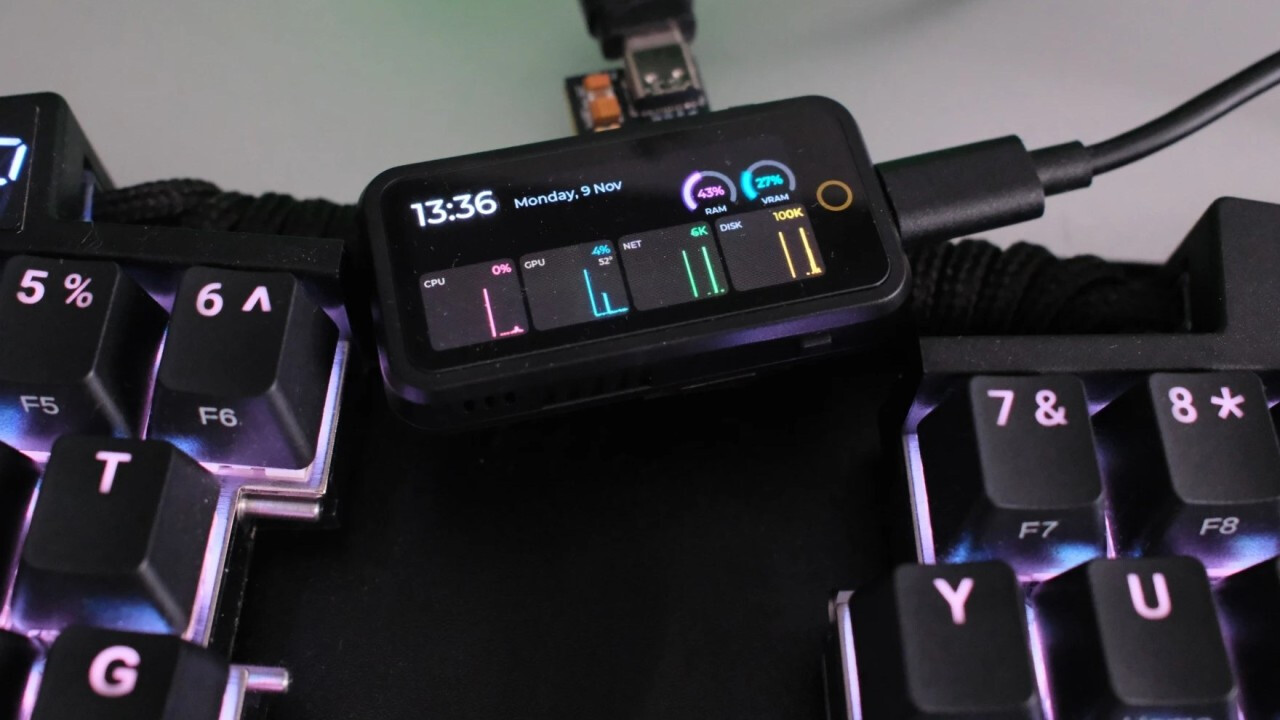
Hi all! I built a DIY USB → BLE adapter for the UHK 60 v2 on a LilyGo T-Display-S3 AMOLED Plus. The keyboard plugs into the board’s USB-C port, and the board acts as its USB host and as a Bluetooth keyboard + mouse for the computer.
What it does
-
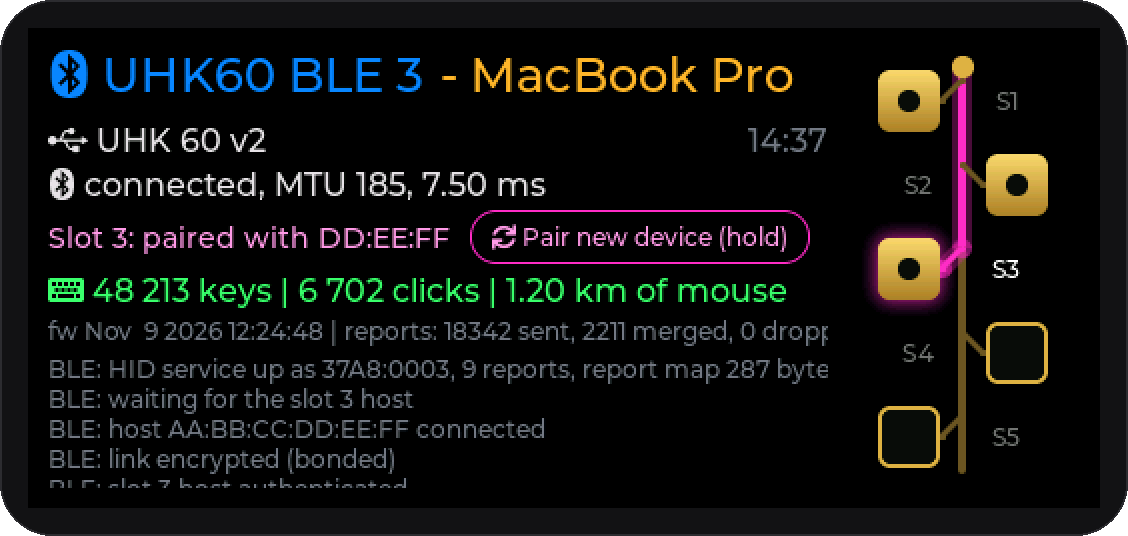
5 Bluetooth hosts. Each slot is its own BLE device. Switch hosts by tapping the slot on the screen.
-
UHK Agent over Bluetooth. Agent sees a UHK 60 v2 and reads/writes keymaps and macros without a cable. Config access has to be allowed on the adapter’s screen. Firmware updates still need the cable.
-
Everything the keyboard sends, unchanged. The HID layout is built from the keyboard’s own USB descriptors: NKRO, mouse keys with smooth scrolling, media/system keys, and fast macros arrive intact. This should also cover the trackball/cluster modules.
-
Secure pairing with a 6-digit passkey. Only the active slot’s host gets keystrokes.
-
OTA updates of the adapter with automatic rollback.
-
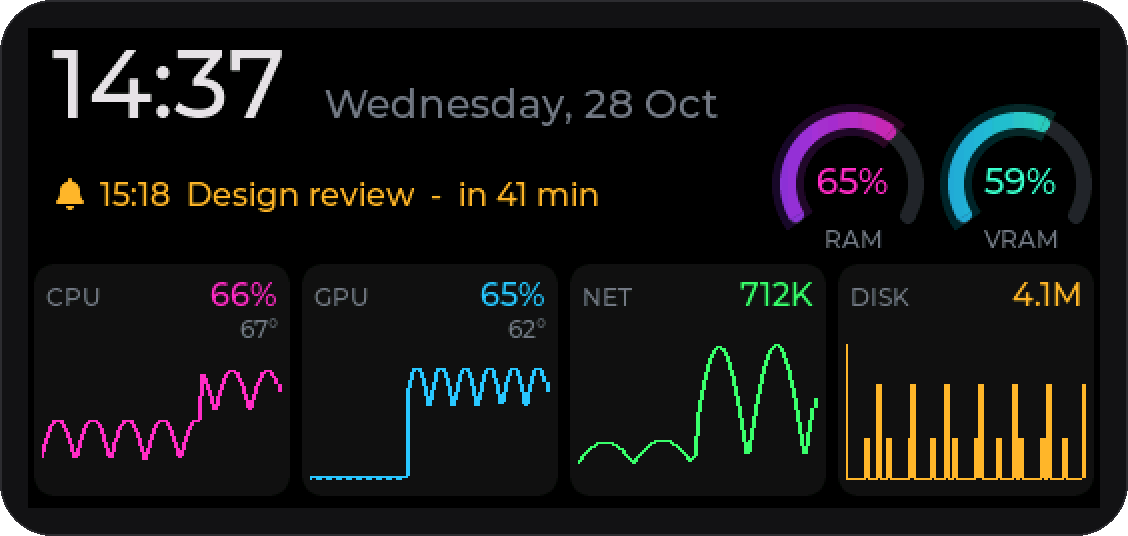
Extras: typing statistics, standby animations, a live audio spectrum, and a PC-load dashboard with meeting reminders.
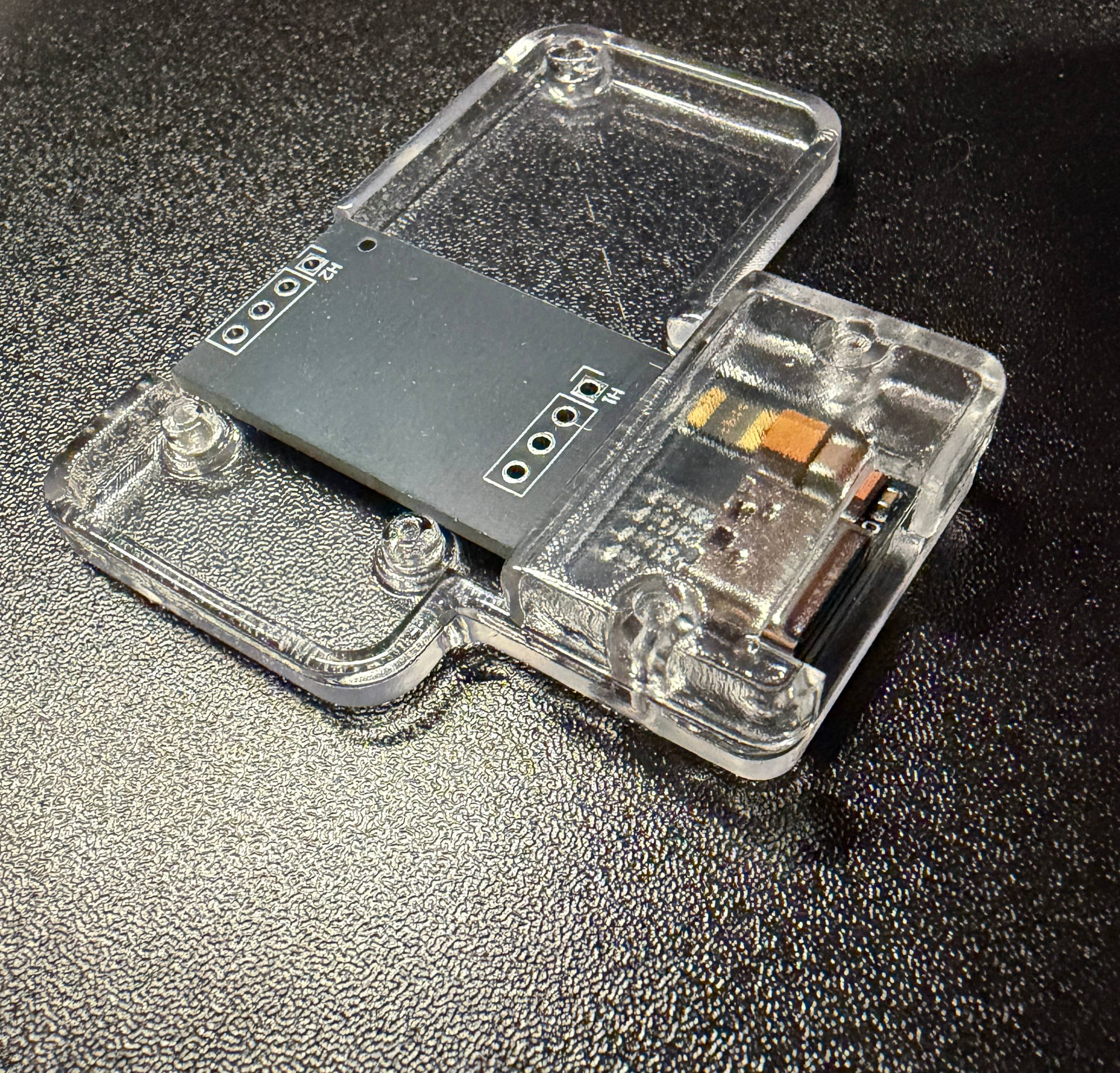
Hardware: the board plus 5 V on VBUS. There’s an optional small power board (JLCPCB files and a 3D-printed shell are in the repo), or you can wire it by hand.
-
Build guide and parts list: https://a1ext.github.io/uhk-ble-adapter/
Feedback and questions welcome!