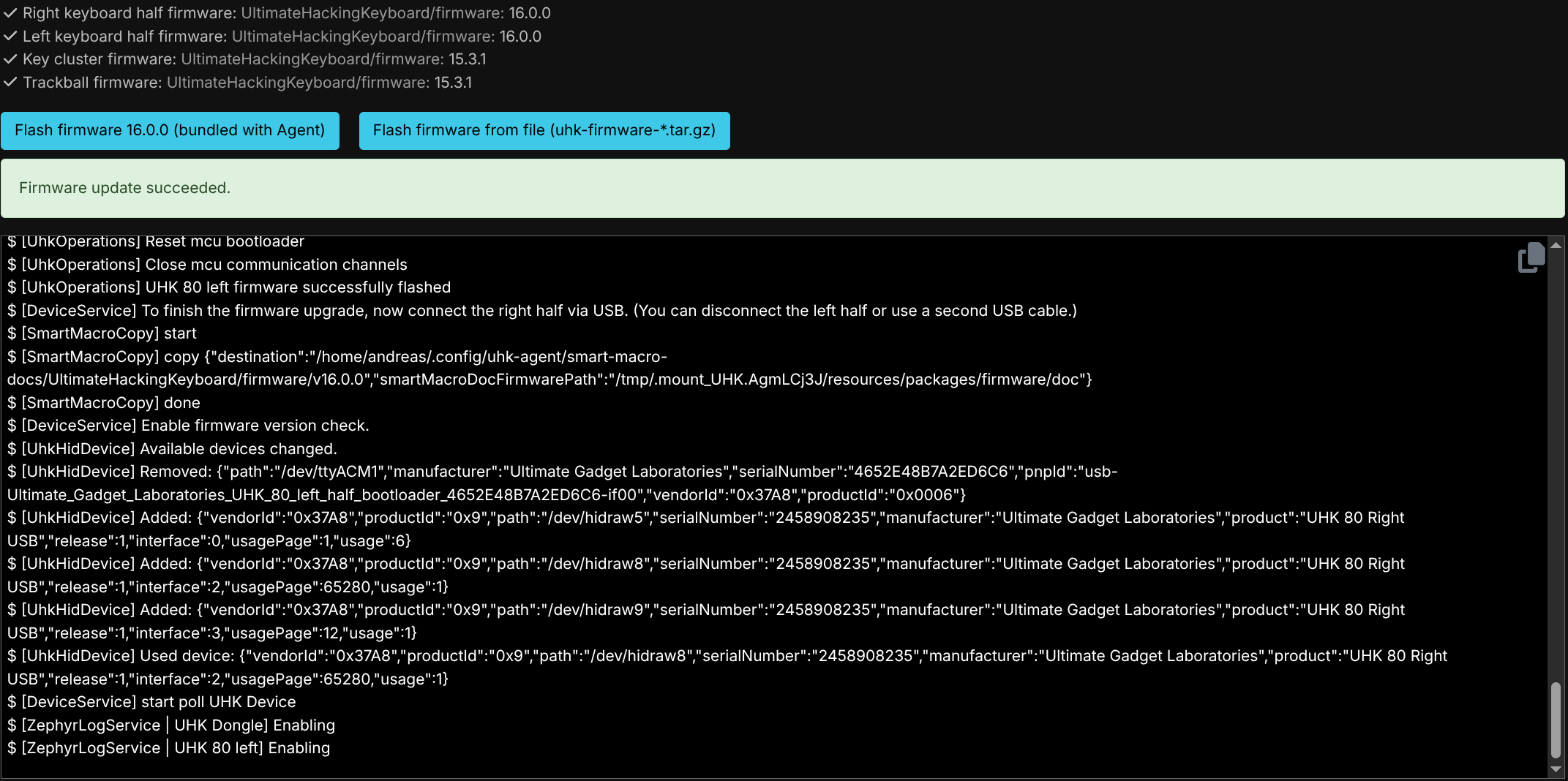
I got my UHK 80 a few weeks ago and I’ve had several instances of super frustrating instability. The hardware is mostly great, but I just spent 90 minutes troubleshooting what seem to be software issues after it just refused to send any keystrokes to any device. (despite the board itself appearing to work) After three unbricks and lots of resets and reconnections now it’s finally working again. This isn’t the first time this happened either, usually if I disconnect it from USB then reconnect it to a different port, I have to push the reset button on the right half to get it to work again. Sometimes the modules stop working randomly. The Agent software also apparently fails to update them which might be contributing to my troubles. I can update my halves, they are at version 16.0.0, but even though it shows that my modules are at 15.3.1 and they will updated to 16.0.0, after the update they are still at 15.3.1. Finally either the batteries are having some issues or I’m misunderstanding how their charge state works. I have both halves connected with the RJ11 wire, and the right half is connected to USB. Still neither half has ever reached 100% state of charge. The right one is usually around 82%, the left one is at around 25%.
I’m using Desktop running Arch Linux and this is the only keyboard that has these issues. I tried all the USB ports. My original plan was to take this thing travelling, but now I would need to take a pen to keep resetting it and second keyboard to unbrick it?
Are there any known bugs that might be influencing my experience?
On the modules update — the UHK80 doesn’t update the modules firmware. While the UHK60 can update the module firmware, it really has no impact as they are stable from v15 for sure.
Not sure what happened today but I also ended up needing to reset both halves to get the UHK80 to respond. I delayed my order by 12 months because of firmware issues and it seems this wasn’t enough.
The hardware is great but there is no sense of urgency regarding the state of the firmware. I don’t see it getting better.
Unfortunately, these two “reports” don’t contain anything that could be used to do anything about them.
All possibly-related issues I know about atm:
UHK keeps its leds switched off when no host is connected, but does listen for connections. I have changed that behavior lately in Merge pull request #1430 from UltimateHackingKeyboard/nohost_shortwake · UltimateHackingKeyboard/firmware@2d89c74 · GitHub so the uhk will wake up its leds when a key is tapped, tells you that nothing is connected to it and go back to “sleep” again. Please try to flash the firmware and let me know what is your setup and what you see on the oled - a photo would probably be best, and how you are trying to connect to it.
Issues with some BLE HID hosts. This is complicated. Ble is arcane stuff. It is badly specified. Since it is badly specified, its specifications is ignored by most manufacturers. Besides being complex as hell, it is also handled by the zephyr code, which means dealing with third party code, which doesn’t make it exactly a piece of cake either.
When UHK is switched into a directed advertising by issuing a switch host command, it doesn’t switch back to general hid advertising afterwards when the switch host command is canceled. No one has reported this behavior ever. This is fixed on master.
usb wakup issues. This is another arcane thing, with which we depend on an external expert that is scarcely available.
You have to understand that customers are not open source contributors. That firmware development seems to rely on customers being good contributors is the reason I don’t see the situation improving.
I am certain I am doing it correctly, there is visual feedback. This thread is not mine, but detaching the keycluster solved my left half battery drain issues. Not sure what made it “hang” the other day.
Yes I definitely have that issue as well. When my PC wakes from sleep I have to either push the reset button (how many actuations will that thing last?) or sometimes it works, but then the keycluster scrollball acceleration is broken (really slow) until I do the same hard reset.
Idk what the buttons are actually rated for, but I’ve pushed those buttons literally countless thousands of times while testing, for well over a year. Have you tried dedicating a key to the reboot macro command, instead of using the reset buttons? I’m not sure if it will work to resolve that particular issue, but it usually does in most cases.
A reboot macro helps, but in some cases the keyboard is dead and will not respond to anything until the hardware reset button on the underside of the right half is pressed.