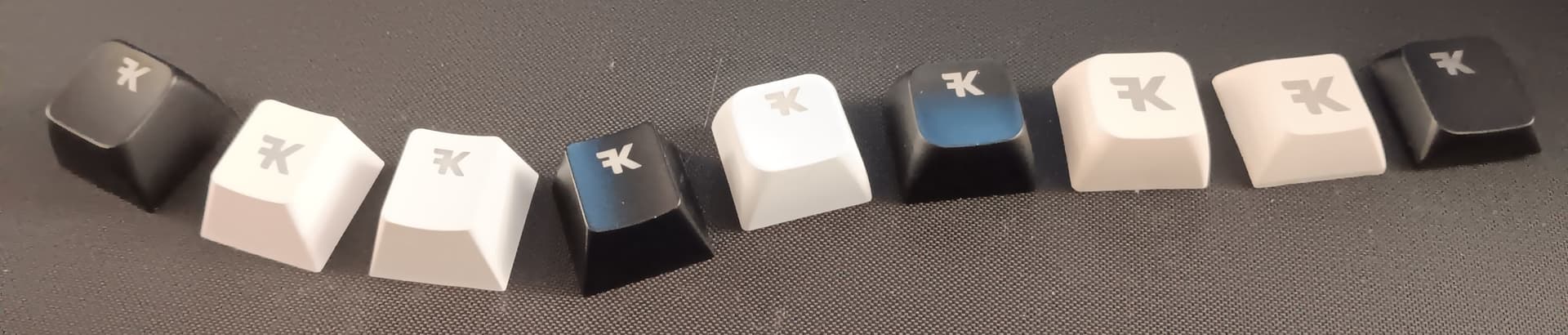
My name is Simon from FK, I wanted to let you know that we now support the UHK layout in our keycaps customization app called Yuzu Keycaps.
It’s quite a big deal for me personally as I started my mechanical keyboards journey with a UHK, and still enjoy it some times to this day. It is this exact layout that sparked the idea of making an app where anyone could get just the keycaps they need. That was 5 years ago, and only today is it possible to order them for this specific keyboard…
Anyways, I’m looking forward to hearing what you think of the app and if you are able to get exactly the keycaps you need to match those crazy macros/shortcuts you may have configured on your own keyboard.
@kartsims Just checking something - pretty sure this is a no but well you never know…
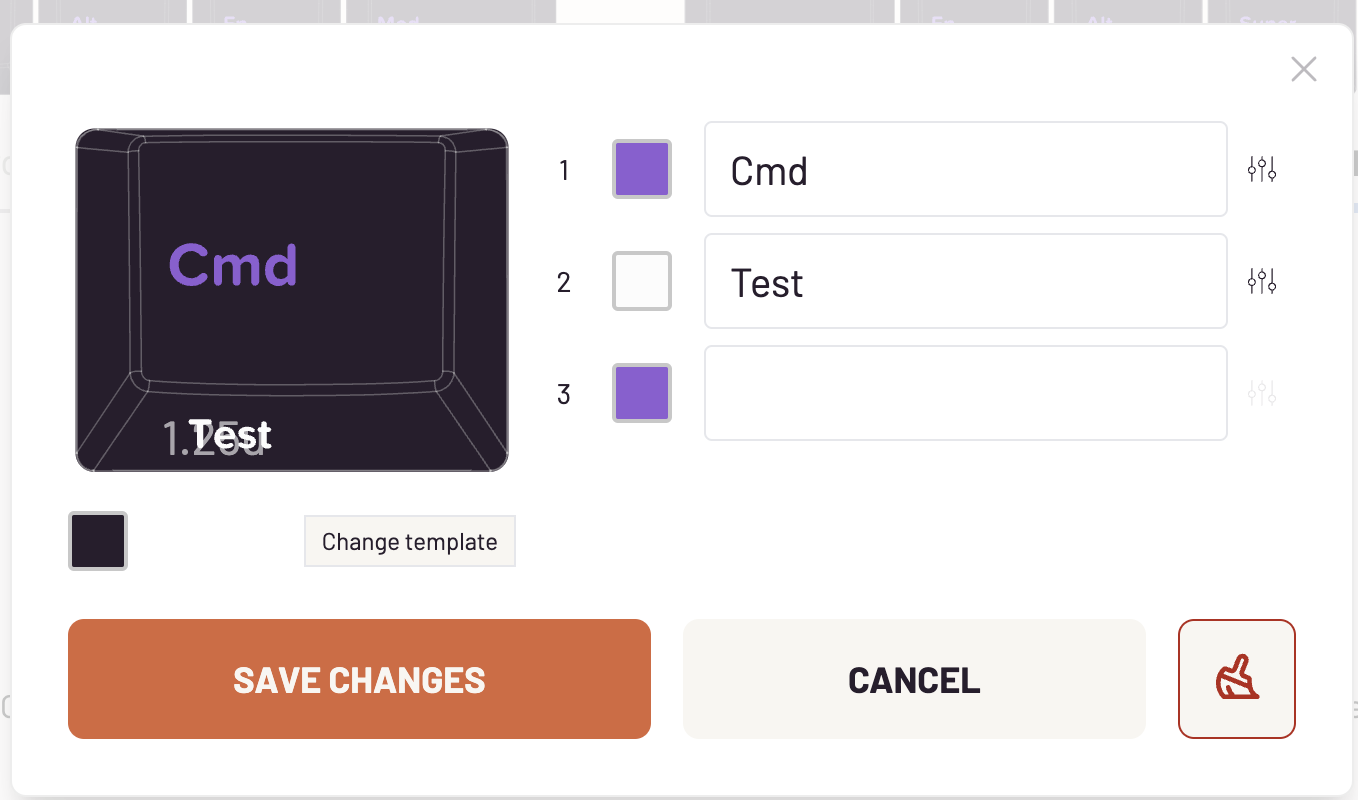
The keys on the UHK have labels also printed on the sides (to show what the alternative layers do), when i use your site it does allow me to position text in the bottom area, like this:
You are right, unfortunately they can’t do that at the moment but I will ask eventually. I created a feature request in case you want to upvote and get notified when/if it becomes possible
To your questions we have another service actually called FK Custom that offers both options: individual keys and shinethrough keycaps. I did not mention it before because it doesn’t support the full UHK layout (yet) as we are waiting to be able to purchase blank keycap sets first.
For Yuzu we won’t have the possibility to order individual keys anytime soon however.
Thank you for the speedy response and the link. I appreciate it.
It’s great to have all these additional options. Finding high quality keycaps has always been one of the trickier parts on my quest for the perfect board. Yuzu seems like a very promising complement.
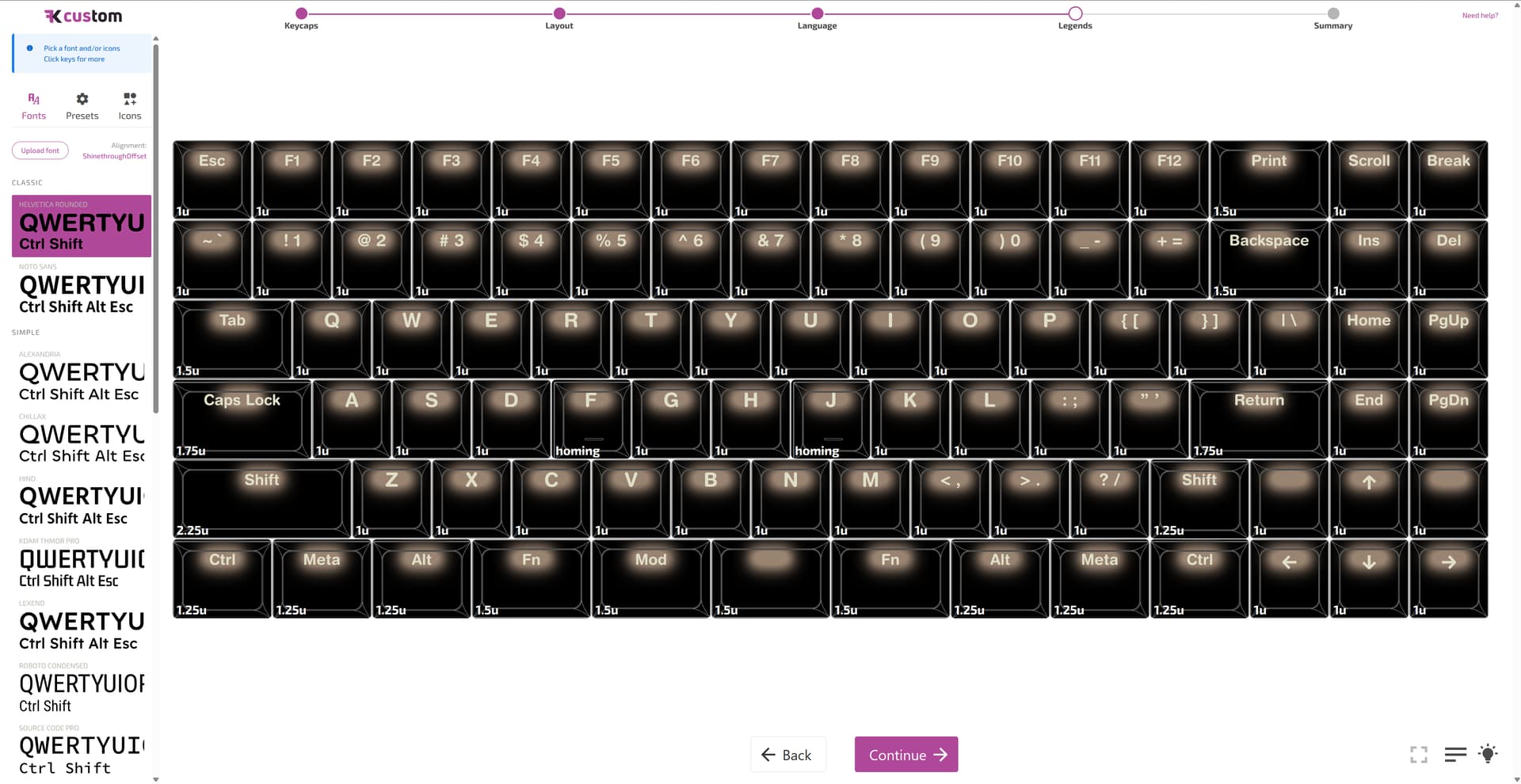
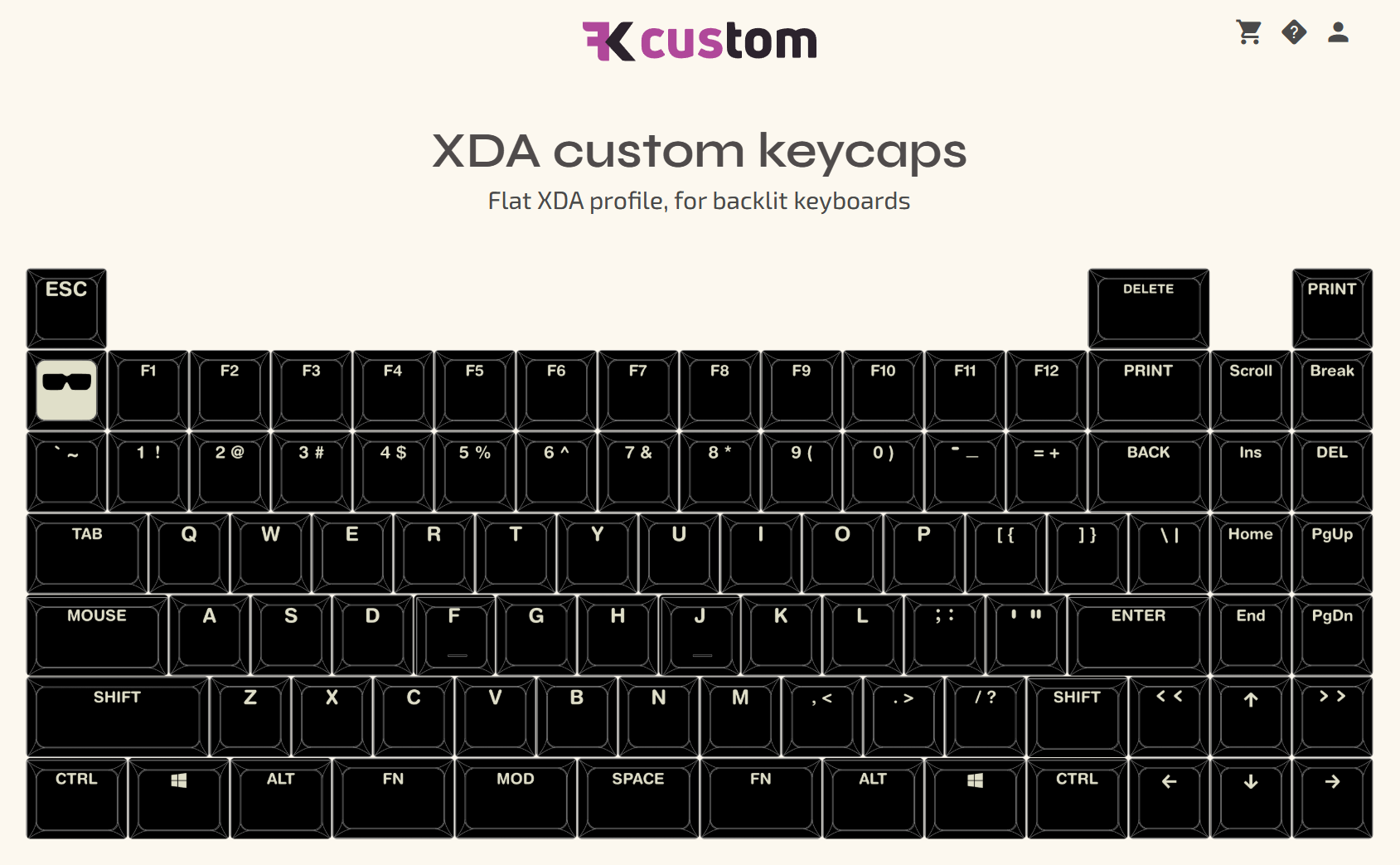
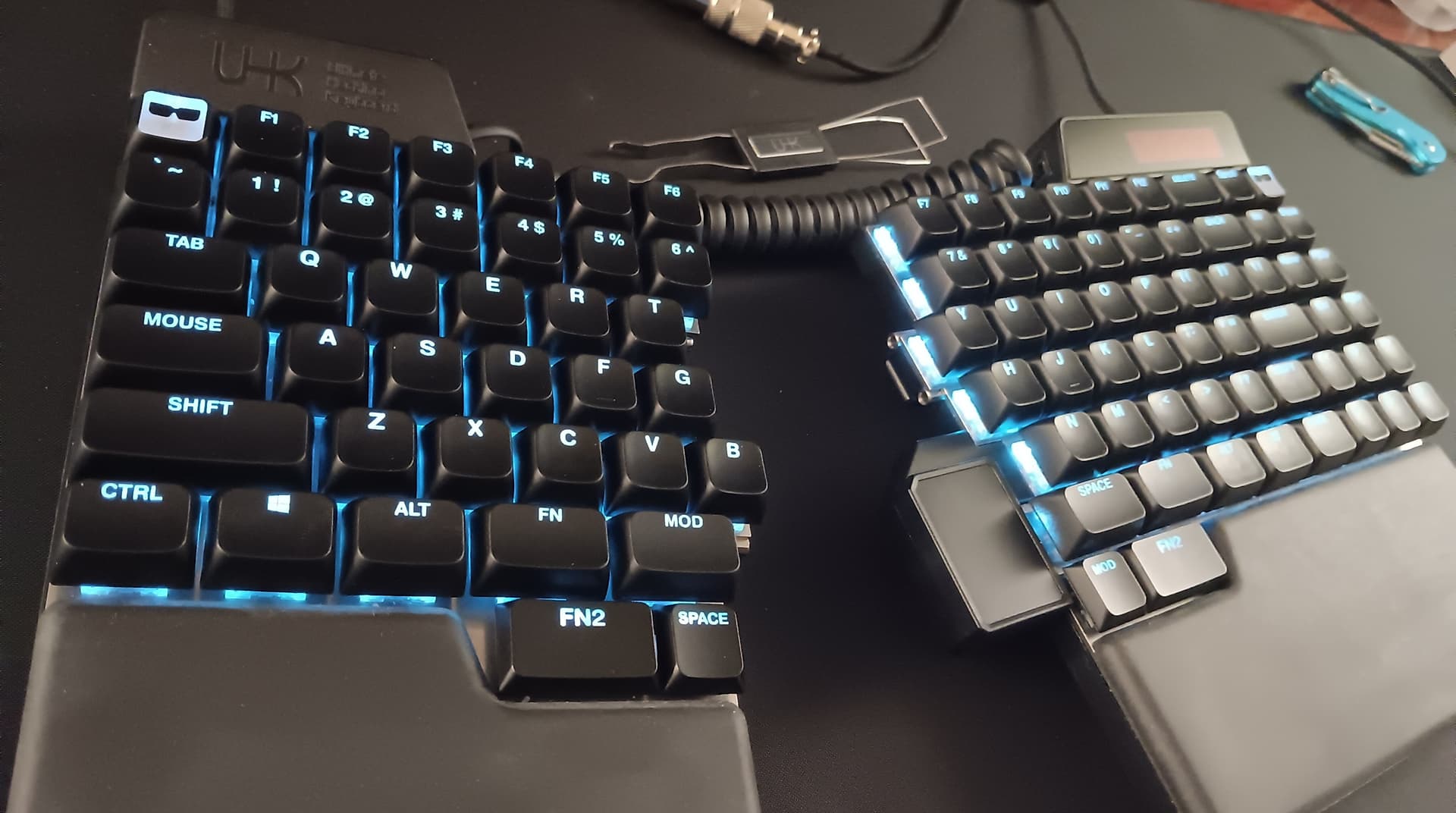
I’ve decided to go ahead and experiment with the UHK80 caps. What do ya think?
I added a few extras since I haven’t settled on the location of the “Print” & “Delete” keys.
I wanted to make the whole top of the caps to be shine-through with just the legends and sides of the caps solid black (kind of like an inverted pudding cap). But to do that, I would’ve needed to convert all of the legends to .SVG files… Way too much work…
I did my best to make a nice little inverted pudding Agent cap though
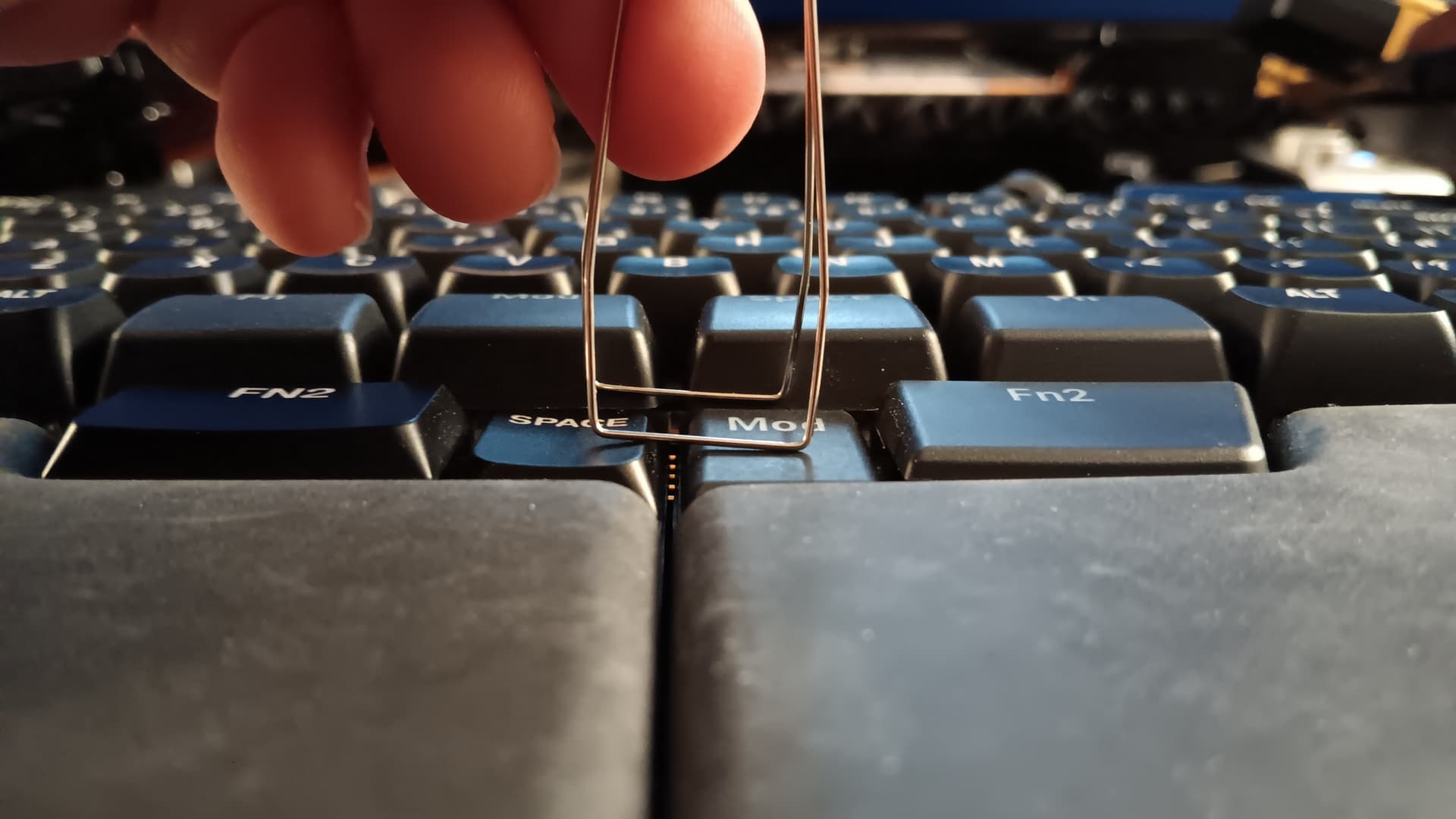
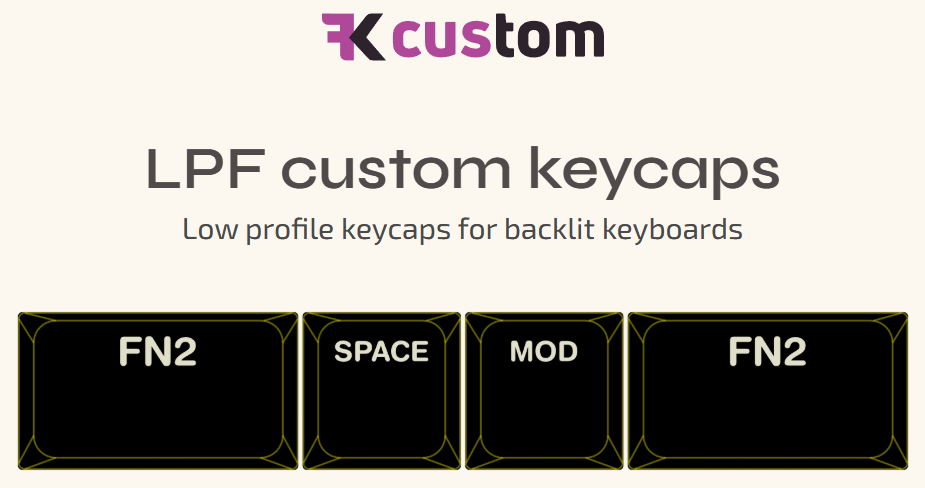
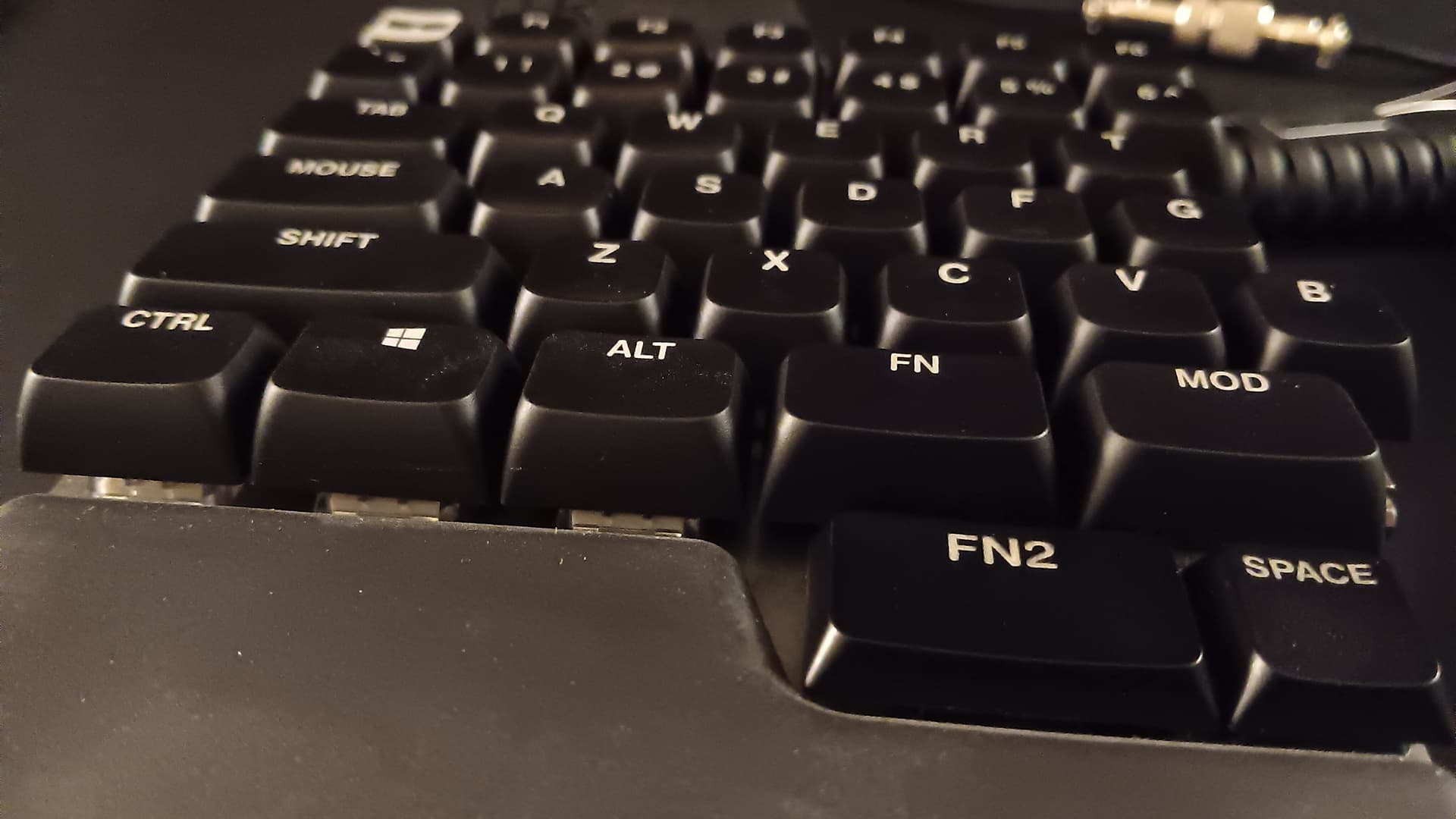
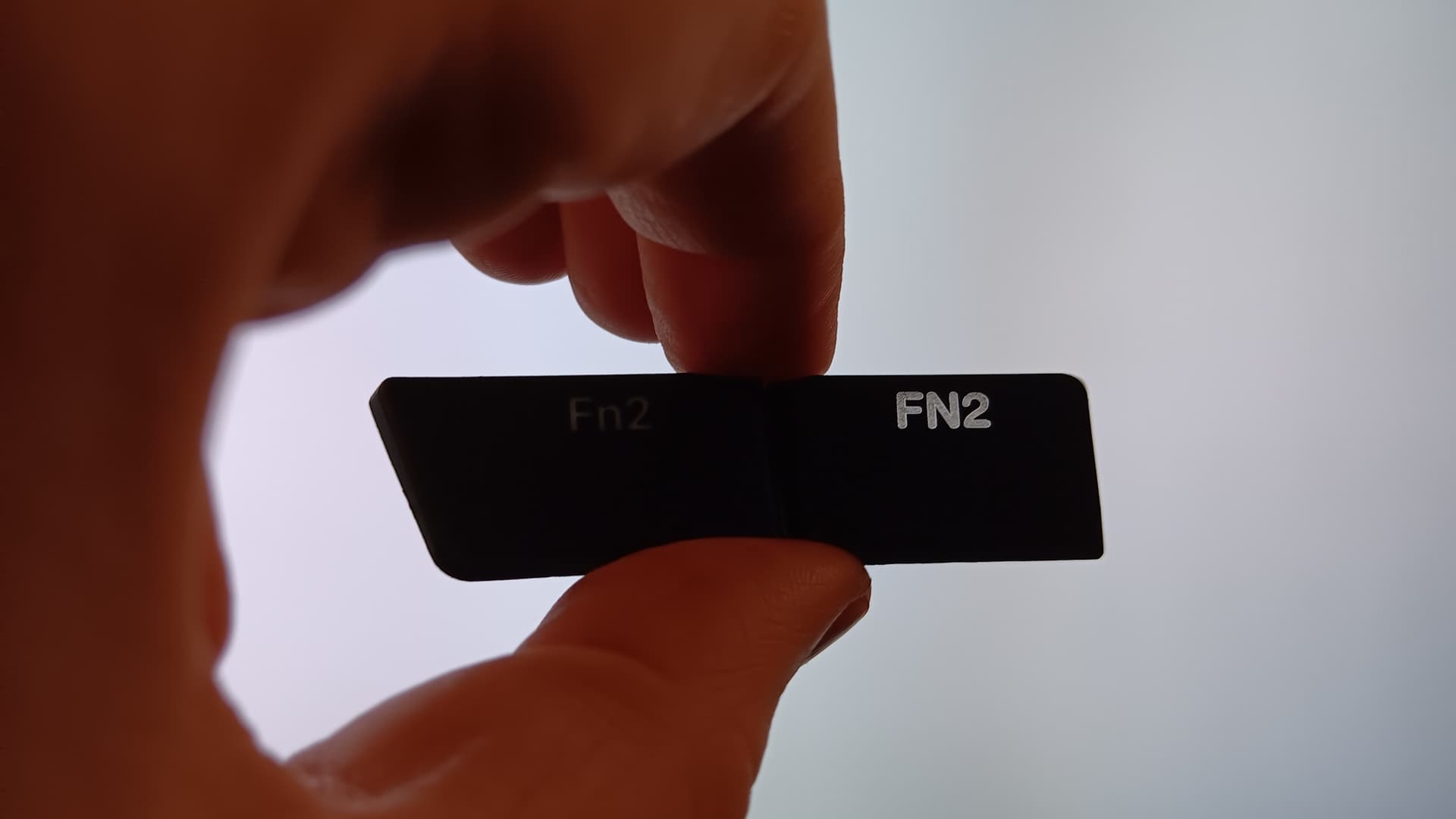
I don’t know if these will work with the bottom row thumb cluster keys or not because the Fn2 keys use stabs, but it was only $5 extra to add four LPF keys. I figured it’s worth a shot. I’ll let you all know how it goes when they get here…
I just got some new caps for the UHK80 from FK custom. I actually first ordered them a few weeks ago, but they had some alignment issues. I emailed FK’s support with pics of the issues, and they sent some replacements within a reasonable time. Smoothest support interaction ever, BTW. Super nice guys.
I kept the layout basic because I never know when I’m gonna remap something. I like uniform profile caps, so I went with the XDA shine-throughs.
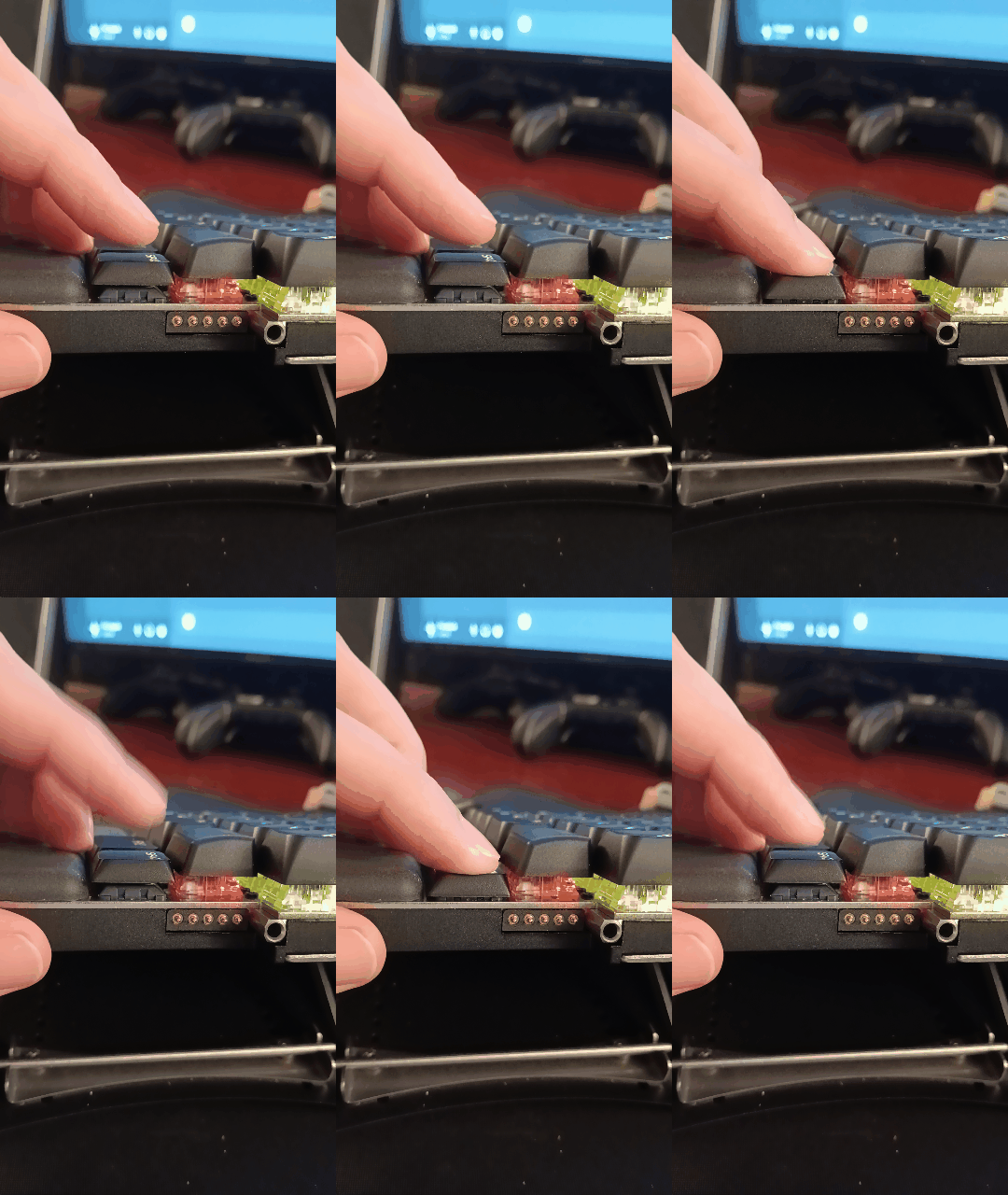
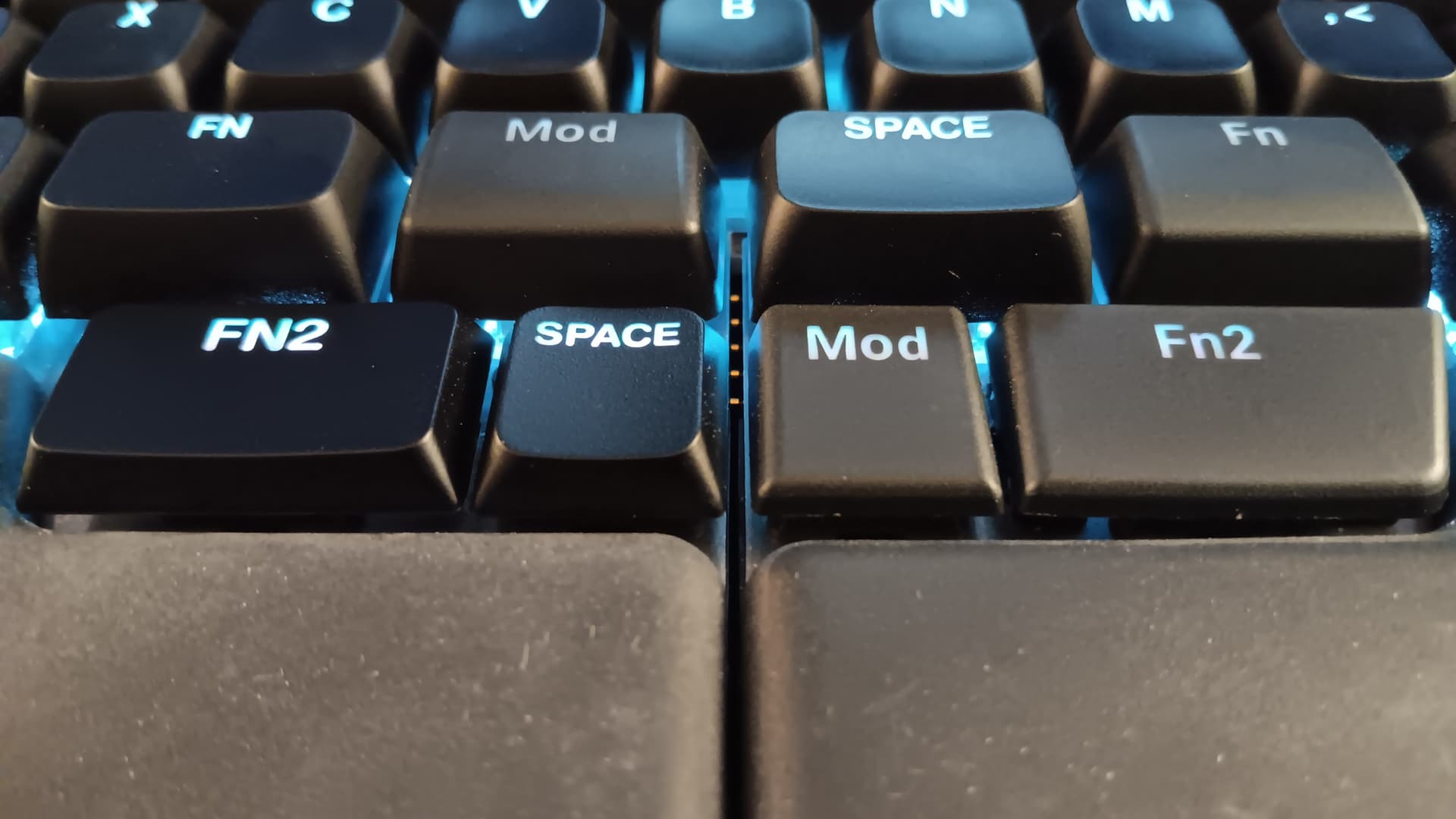
I also grabbed some 1u/1.75u LPF shine-through caps for the bottom-row thumb keys. I wasn’t sure how well these would work, since the UHK80’s “Fn2” keys use stabilizers, and the FK LPF caps only have one center stem mount. The LPFs do rub the stabilizers a little, but it’s not too bad. They work fine if you leave the stabs in, but I went ahead and removed them. They barely wobble at all without 'em. (Even less than the other MX 1.5u/1.75u caps!)
There’s also not really a problem with accidentally depressing the LPFs, as long as your upper-row thumb caps are tall enough. I didn’t have any trouble mixing either the FK XDAs, or the UHK80 stock caps.
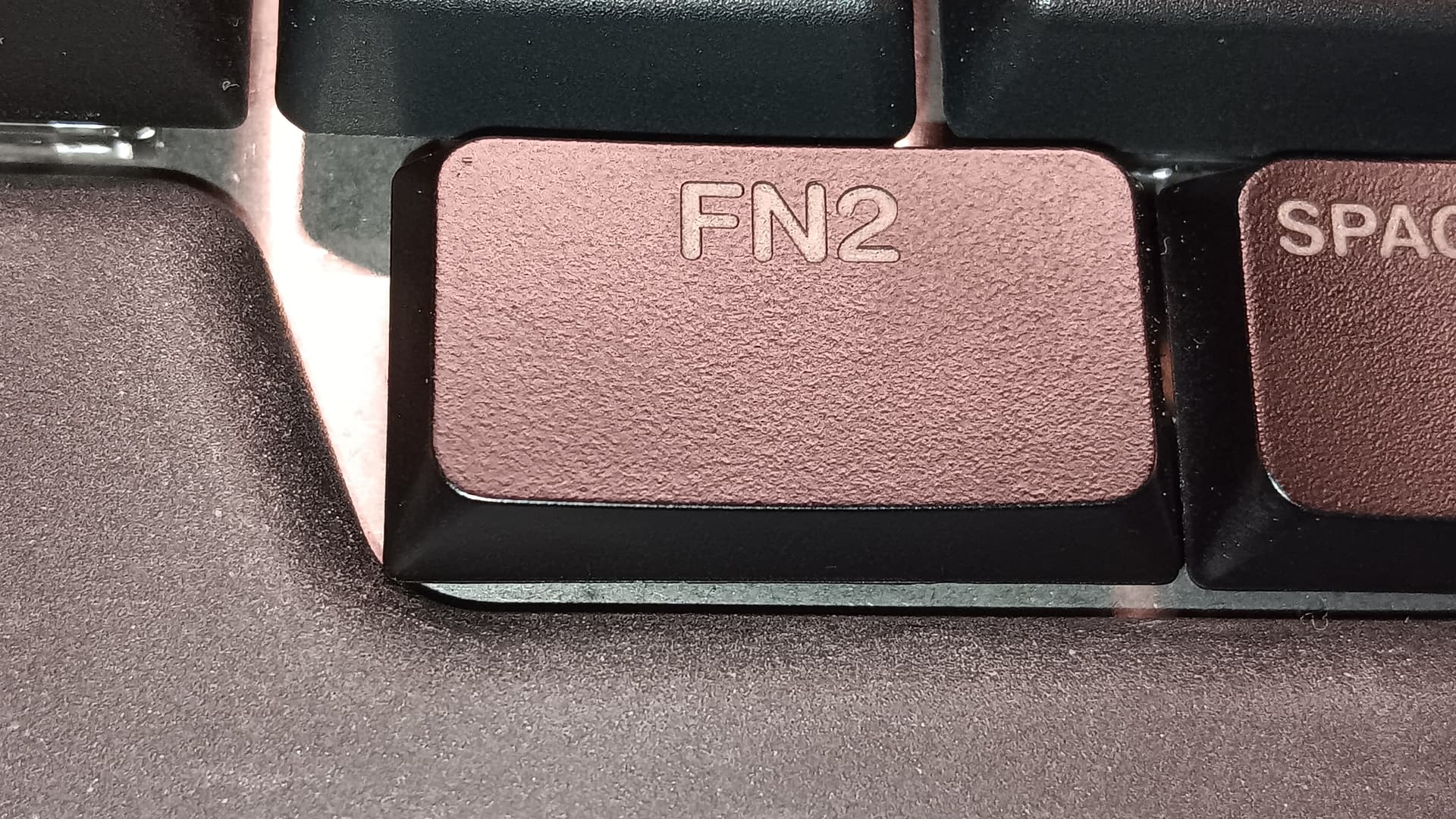
There is one other issue with the FK LPF “Fn2” caps…
The corner of the caps get stuck on the rubber palm rest. Only just a tiny bit, but enough to where I needed to make a small notch in the rubber so the caps can move freely. You’d only notice if you were trying to see it. I suppose you could just sand the corner off the caps instead of trimming the palm rest, but these shine-through caps are translucent ABS with a black PU coating. (FK also has opaque PBT caps that would be less noticeable with sanded off corners Actually, the LPFs are shine-through only)
Hey @pcooke9, I’m currently trying to decide if I am going to go with LPF or XDA shine through keys, but I’m looking at FK Custom’s compatibility chart, and it says that the LPF are only compatible with the FKCustom Choc v1 switch.
Does this translate across to the UHK80? On the UHK80 page:
When purchasing a UHK 80, only the MX switch type is selectable, and the Choc switch type of the bottom key cluster row will be provided accordingly: Choc brown (tactile) for … silent brown.
To me, this translates to the LPF keys not being compatible with UHK (as they are MX switches on the OEM keys), and only the XDA profile will suit?
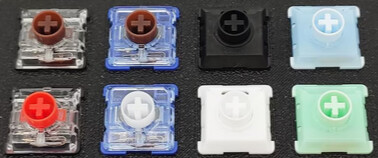
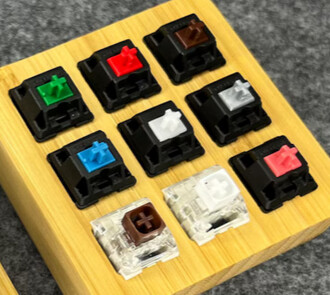
That is correct. Choc v1 switches are only compatible with Choc v1 keycaps. Their stem mount uses two slots (instead of the MX-style cross stem) and the keycap needs to have prongs to slide into those slots.
Choc v2 switches have a mount with the ususal MX-style cross-stem. They fit some regular MX keycaps. Because of their low profile, the keycap has to be reasonably flat and wide underneath so that it fits over the switch housing as it is being pressed down.
The low-profile thumb keys of the UHK80 use Choc v2 switches. The rest of the UHK switches are regular MX switches.
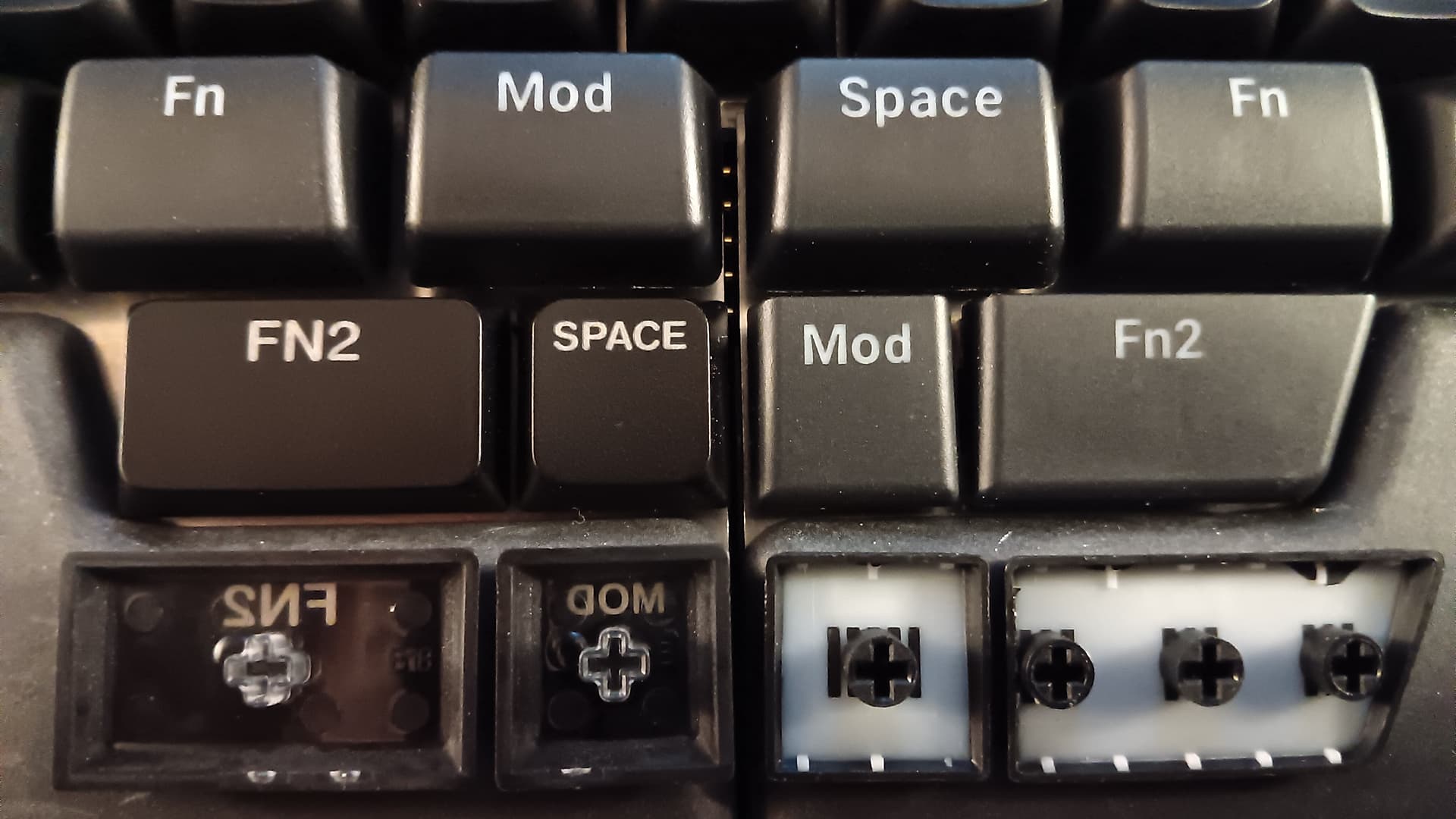
Actually, you’ve got that backwards. ALL of the UHK80’s switches use MX-style stems. The four keys on the very bottom row are Choc v2’s (MX stems), and all the rest use standard size MX-style (also MX stems😉). The LPFs are not compatible with Choc v1, because the v1’s have a rectangular stem with two slots. The UHK80’s bottom four switches are Choc v2’s, which use an MX style “+” shape mounting point.
NOTE: You may notice that some MX-style switches have a box or circular shape around the center “+” mount. That outer part doesn’t generally affect the ability of a cap to fit the switch. It’s the central “+” that’s important (usually).
On one of my UHK80s, I have four of FK’s LPF caps on the very bottom row thumb keys (Choc v2 switches). They also fit just fine on the rest of the UHK80’s switches because they have the same MX-style mounting points.
BUT…
I just tried to put a couple of the LPFs on the standard MX “escape” and “mouse” keys to be sure. They do fit on the stems just fine, and there’s definitely no risk of them hitting the plate; exactly the opposite. The longer 1.75u LPF caps are too far away from the plate, and so they flex/rock too much (they’d need stabilizers). One good heavy slam on the outer edge of that cap could break it, or the switch. So on second thought, I don’t recommend using longer LPFs on the full height switches for that reason.
The XDA’s work great, that’s what I have in the above pics in this thread. And the bottom row in the pic below are the LPFs on the left, and the stock UHK on the right. If you look at their stems, you’ll notice they have an MX-style “+”.
Thank you for all the information, really good to know!
At this stage, was only looking to replace the alphabetical keys, so no issue there. Maybe I’ll order the other, non bottom row keys, but not install them until I have a reason to.





 )
)