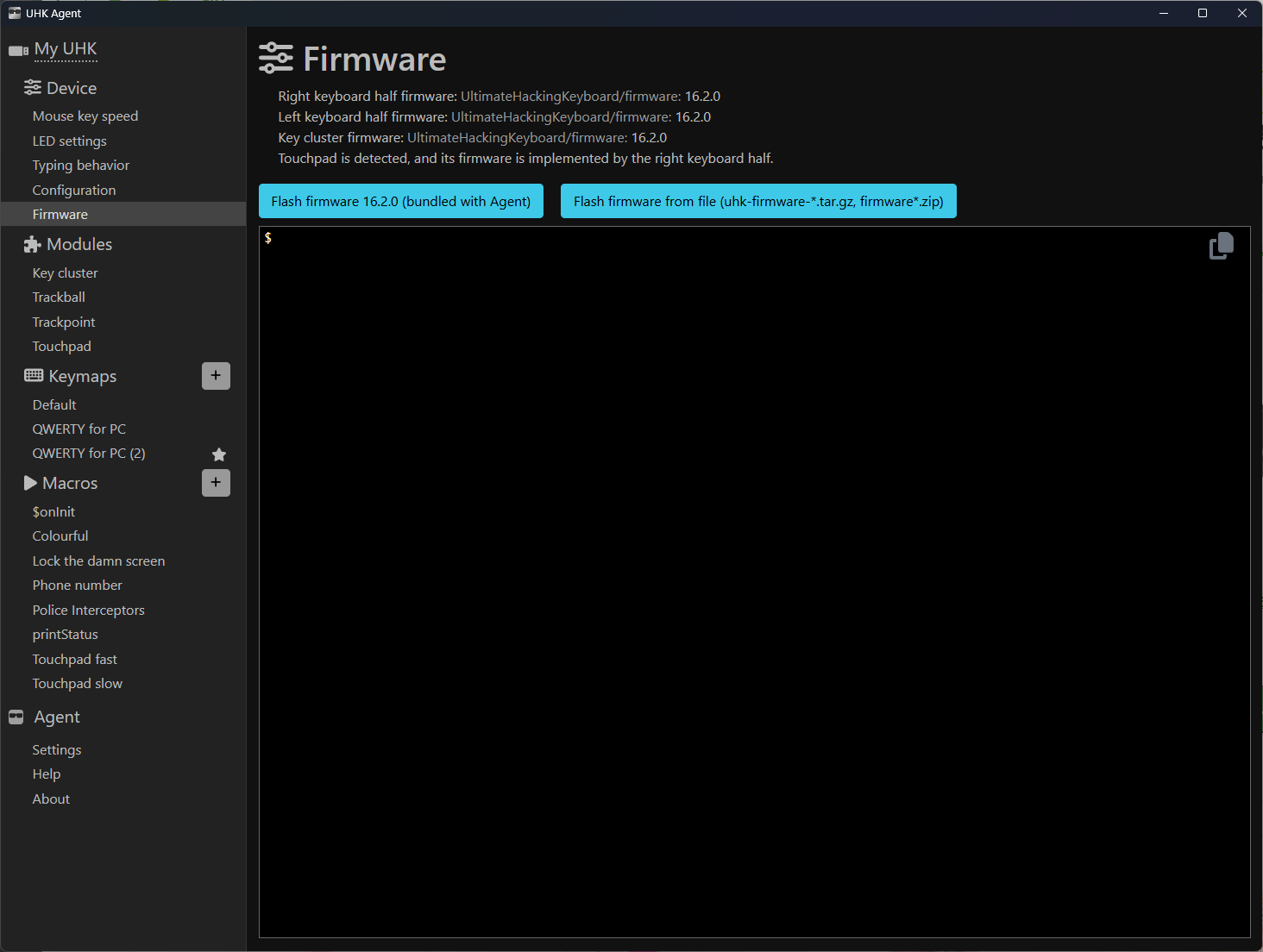
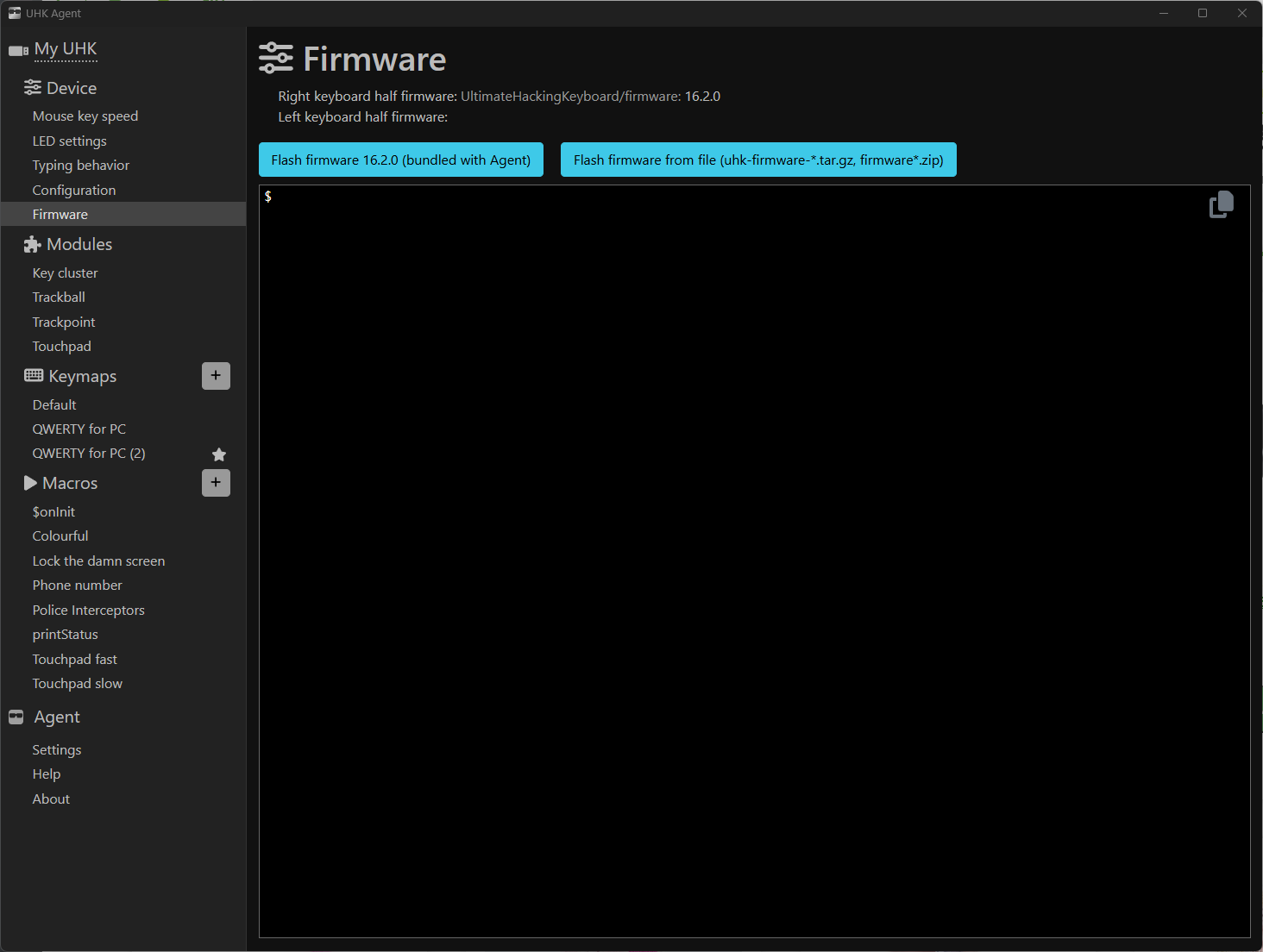
I returned to my desk today to find evidence of foul play: a dent in the desk, a lot of mud and a faulty UHK
To start with, it was in FTY mode and I could not type. NO characters. I reconnected the USB repeatedly, swapped out the cable connecting the two halves and hit the reset button multiple times. Nothing.
Evenutally, reconnecting the two halves resolved FTY mode and enabled me to type but it’s somehow still broken:
Keys work but shift + any key doesn’t.
The left half is randomly showing up then disappearing in the agent.
THe LEDs have just turned off.
I have reflashed the firmware to the latest. I have removed the modules. What has happened? Did someone spill liquid and cause a short somewhere?
If there is a risk that it has actual water in it, disconnect it and leave it to dry on a radiator overnight, as a first precaution. Water isn’t nearly as bad as water plus electricity! If it has batteries, remove those as well.
The reason I mentioned water was that you had mentioned mud, and it wasn’t obvious that it was not on the table.
Anyway, maybe it is a connectivity issue between the halves/modules? Have you inspected the cable between the halves and it’s connectors and sockets for visible damages?
Yes, I have tried a replacement cable between the two halves.
The touchpad module continues to make the left half of the keyboard stop working. Makes sense about there not being a recover option for it if it’s driven by the keyboard.
It also seems to be making random keypresses of its own accord. I think the liquid diagnosis was pretty good and all of these behaviours seem consistent with an electrical short :-/
It’s too weird but it’s too much of a coincidence… I think the random garbage the keyboard sends out might be confusing my window manager. I’m on Linux and I’m having to restart gdm3 with alarming frequency. After some time, I can no longer click the mouse to focus windows or tabs. It’s absolutely crazy.
What firmware were you on before upgrading to the latest v16.2.0? It’s kind of a long shot, but I remember some bugs way back with FW v11 or 12-ish where the left half would disappear when connecting/disconnecting the touchpad, or FW flashing would fail, etc.. IIRC, the fix was to flash FW without the touchpad connected, maybe also try reflashing with the halves merged as well?
Nope that’s not it, I don’ t think. I’ve kept FW update and anyway, the touchpad worked just fine the other day. I’ll switch out the touchpad (I have another) and see if that sheds any light.
In the meantime, I have confirmed by testing on another known good UHK that this touchpad is at fault. When plugged into a good keyboard running 16.2, the left half of the keyboard disappears from agent.
Again, I don’t think this is software though. Everything worked; I flashed no firmware lately and came back to my desk on Tuesday and it was in factory mode and this touchpad was b0rk3d (and my mouse and evidence of water on desk).
I can’t recall such an issue, so this is almost certainly a hardware issue. Assuming it’s a failure under intended use (not water damage, for example) and your warranty is still valid, please contact us, and we’ll send you a new module.